
Start with Claude Code
wisp runs Claude Code for you: in the background, in its own worktree, many tasks at once. It uses your own Claude plan or API key. wisp never adds a bill of its own.
What you need
The claude command. wisp looks for it on your PATH, then where the native installer puts it, then in the copy
the Claude desktop app downloads for its Code tab.
curl -fsSL https://claude.ai/install.sh | bash # macOS and Linuxirm https://claude.ai/install.ps1 | iex # Windows (PowerShell)Sign in
wisp uses Claude Code’s own sign-in: a Pro or Max plan, or a key (ANTHROPIC_API_KEY, Bedrock, Vertex).
Open Settings (the person button in the top bar, or ⌘K → Settings) → Agents. Next to Claude Code, press Sign in, then Open the sign-in page and sign in with your Claude account. Paste the code it shows you and press Continue. Installed it just now? Press Re-check.
In the browser (wisp --browser, or your cloud wisp) it’s the same window, menus and keys.
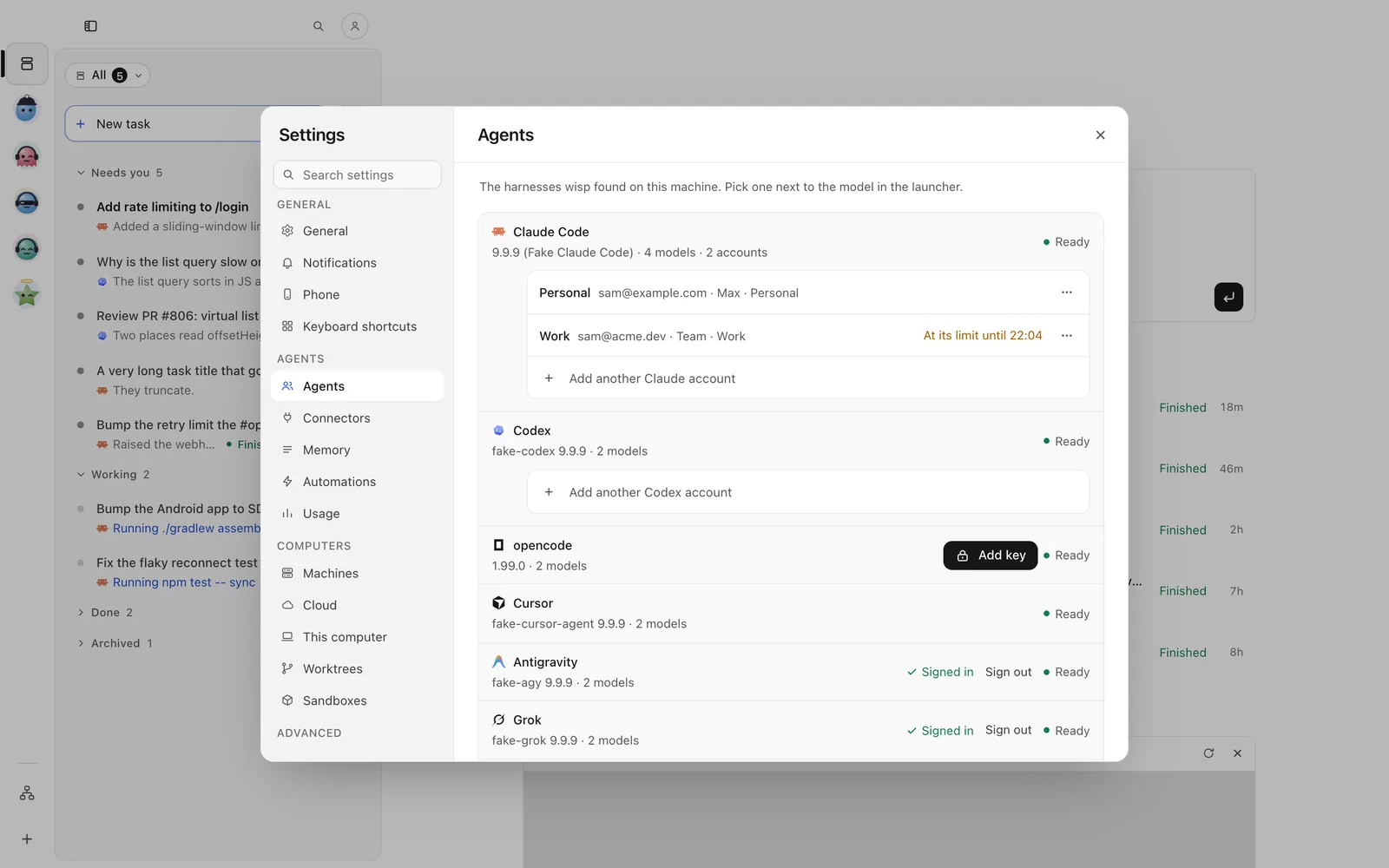
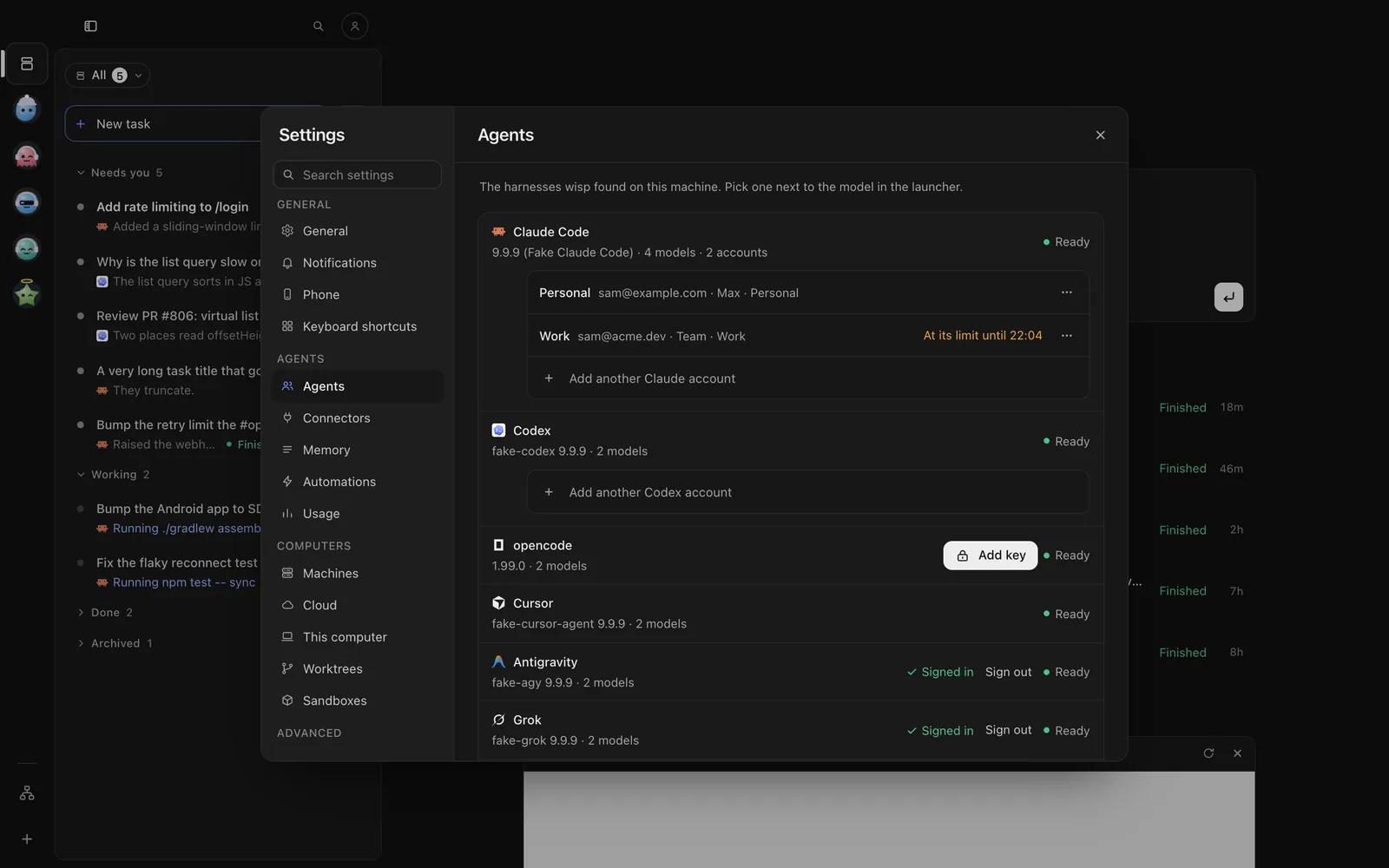
Tap the person button at the top of Tasks → Settings → Agents. Next to Claude Code, tap Sign in, then Open the sign-in page. Sign in, copy the code it shows, come back, paste it and tap Continue.
In the reply box, send:
/accounts login start claude default/accounts login input claude default <code>wisp accounts login start claude default # prints the sign-in linkwisp accounts login input claude default <code> # the code the page showswisp accounts login status claude default # signed in, and as whomYou can also run claude once in a terminal and sign in there. wisp reads the same login.
Pick it, its model and its effort
Models: Default (what Claude Code is set to), Fable, Opus, Sonnet, Haiku. Effort: low,
medium, high, xhigh, max.
In the New task box (N), click the harness chip in the footer (it reads Claude Code · Opus, for example). Pick Claude Code, a model, and a thinking level. On a running task, the same chip in the reply box changes it for the next follow-up.
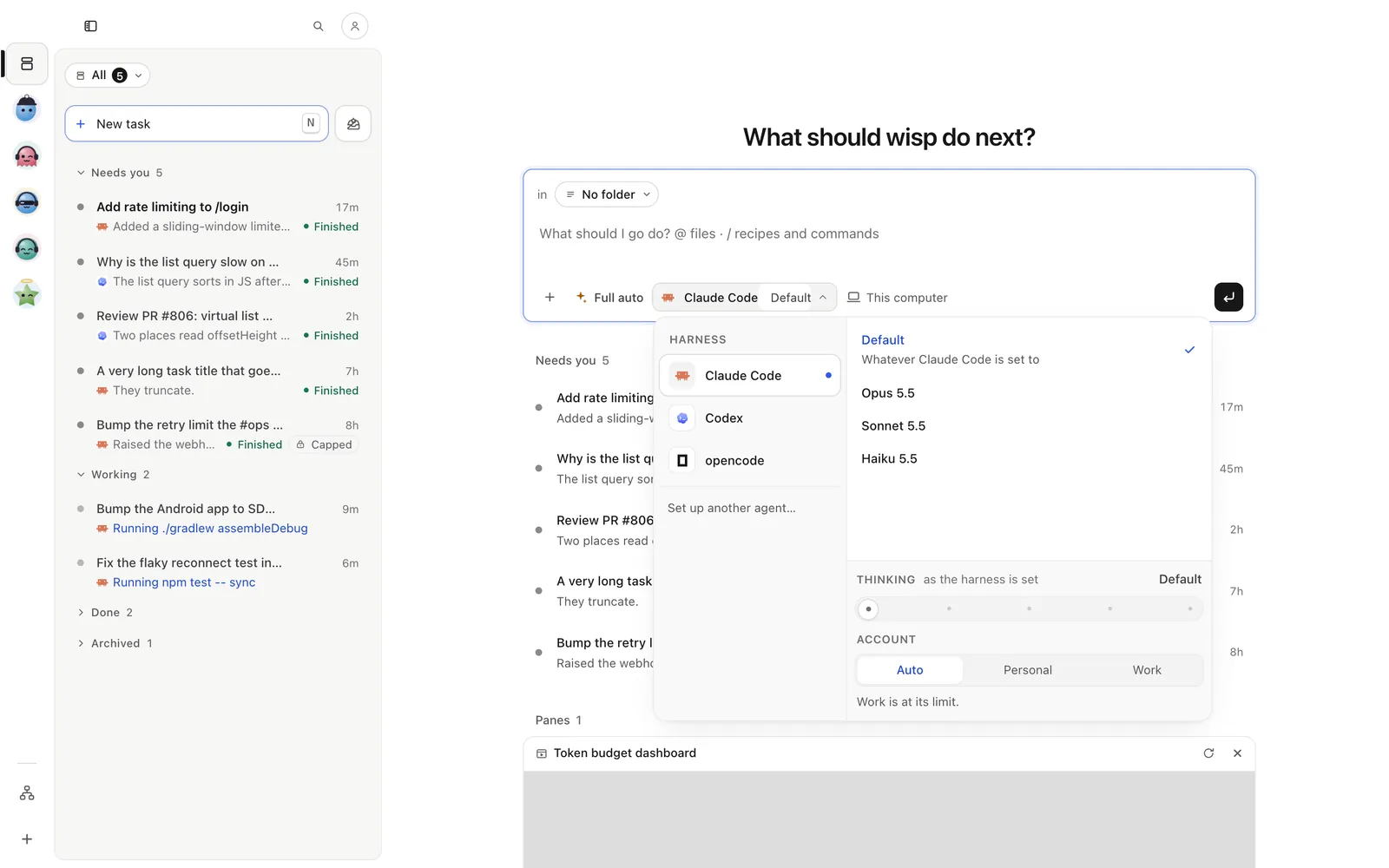
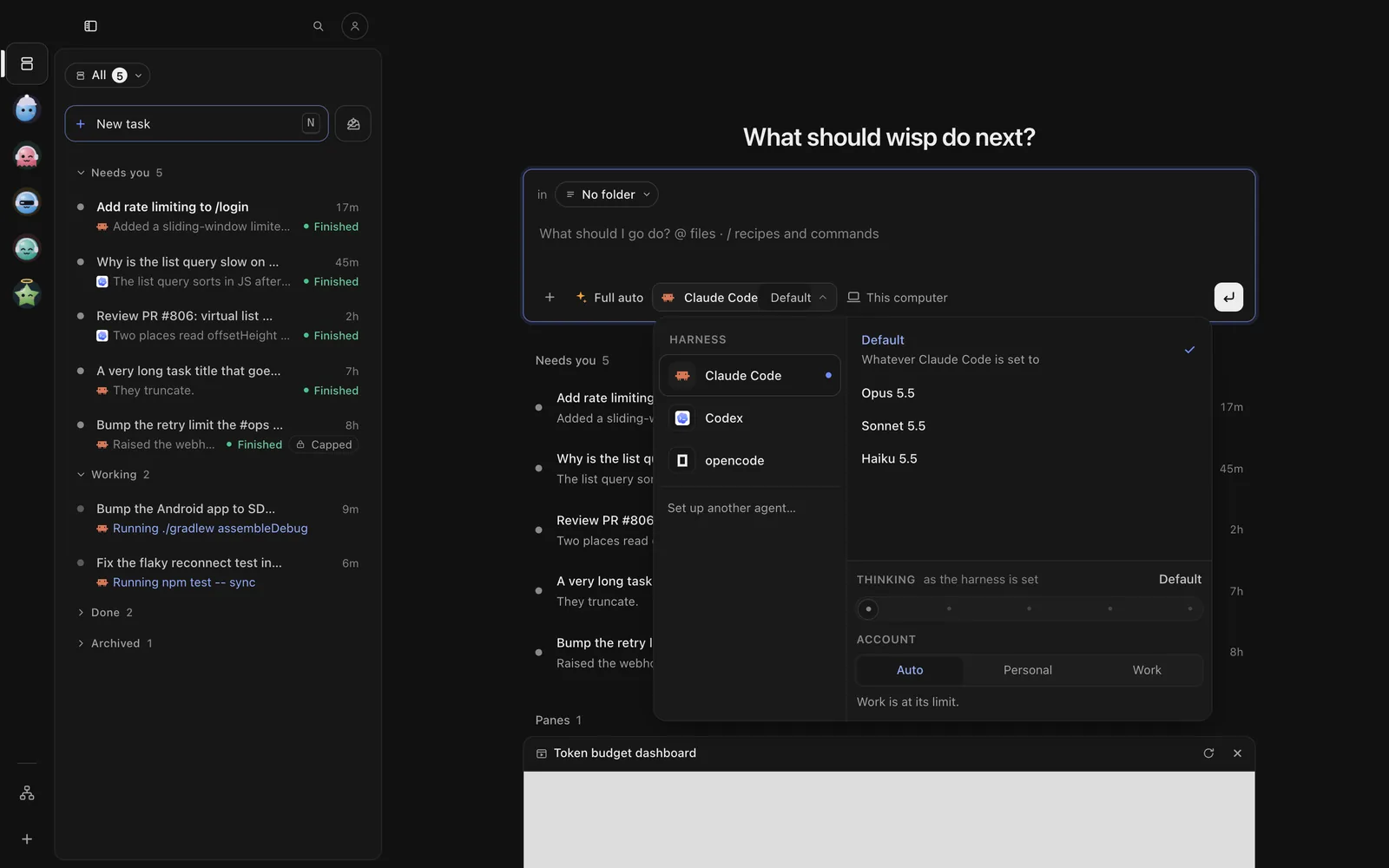
Tap New task (on iPhone, the compose button at the top right), then the harness chip under the box. Pick Claude Code, then a model and a thinking level. On a running task, tap the options chip in the reply bar, then the agent.
Press n for a new task; in the composer, Tab cycles the mode. To move the open task to Claude Code, send
/runtime set-agent --agent claude. For a model and effort, start the task from the CLI.
wisp "fix the flaky login test" --agent claude --model opus --effort highwisp reply <id> "now add a test" --agent claude --model sonnetModes
- Plan: reads and plans, changes nothing.
- Edits: asks you before it runs a command. You allow, always allow or deny from the task (in the TUI: y, a, n).
- Full auto: no permission prompts at all. Use it on repos you trust.
Pick the mode with the chip left of the harness, Tab in the TUI, or --mode plan|edits|auto.
What wisp adds for Claude Code
- Several accounts. Settings → Agents → Add another Claude account (a personal one and a work one, say).
Each keeps its own limits. wisp skips one at its limit when you start a task, and never switches to get around
a limit. CLI:
wisp accounts list claude. - Usage windows. Claude Code reports your 5-hour and weekly windows on every run. See Budgets and usage.
- Subagents. Settings → Usage → Subagents run on picks Haiku, Sonnet or the task’s own model for Claude
Code’s own subagents.
--try subagents=haikuruns a task twice to compare. - Lean runs. Settings → Agents → Lean Claude Code runs starts Claude Code without telemetry and update checks: about a second faster.
- Questions and approvals reach you in wisp, on your phone, or in chat, and the run waits.
Open in Claude Code
Carry on with the agent yourself, in the same conversation.
Open the task’s ⋯ at its top right → Open in › Open in Claude Code (key T). Claude Code opens in a terminal in the side panel.
Open the task, then ⋯ (iPhone) or ⋮ (Android) → This task › Open in Claude Code. Claude Code’s own screen opens in a terminal on the phone.
With the task open, press o. You come back to the TUI when you quit Claude Code.
wisp runtime resume-command <id> # prints the command that resumes it in a terminalSessions you ran in Claude Code outside wisp come in with wisp adopt. To let Claude Code start wisp tasks itself,
see MCP from your harness.