
Run a task and follow up
A task is one ask to one agent, in your project. This guide covers the loop you use every day: start it, follow it, send follow-ups, and stop it when it goes the wrong way.
Start a task
Press New task (N or ⌘L), type what you want and press Enter. Above the box, pick the project. In the footer, pick the mode (Plan, Edits or Full auto), the harness and model, and where it runs (This computer or another machine). The + button adds files, a goal, delegates, a second agent to compare, or a later start.
In the browser (wisp --browser, or your cloud wisp) it’s the same window, menus and keys.
Tap New task (on iPhone, the compose button at the top right), type the task and tap Send. The chips under the box pick the project, the mode, the harness and model, and where it runs. + adds files.
Run wisp tui and press n. Type the task and press Enter. Tab cycles the mode: plan, edits, auto.
Type @ to bring in a file, a crew member or a machine.
wisp "add a dark mode toggle" # in the repo: starts it and follows itwisp "add a dark mode toggle" -d --json # starts it and prints its id at oncewisp "fix the flaky test" --agent codex --model gpt-5 --effort high --mode editswisp "run the full test suite" --on studio # on another machineOther options: --cwd DIR, --also DIR (a second folder the agent may use), --no-worktree (work in the
project folder itself), --wait (block until it ends).
Each task runs in its own git worktree by default, so tasks never step on each other. See Worktrees and shipping a PR.
Watch it
The task page shows what the agent does, step by step, then its answer as cards: a summary, the diff, the tests. The list on the left says which tasks work, which need you and which are done. J and K move to the next and previous task; V opens the full transcript.
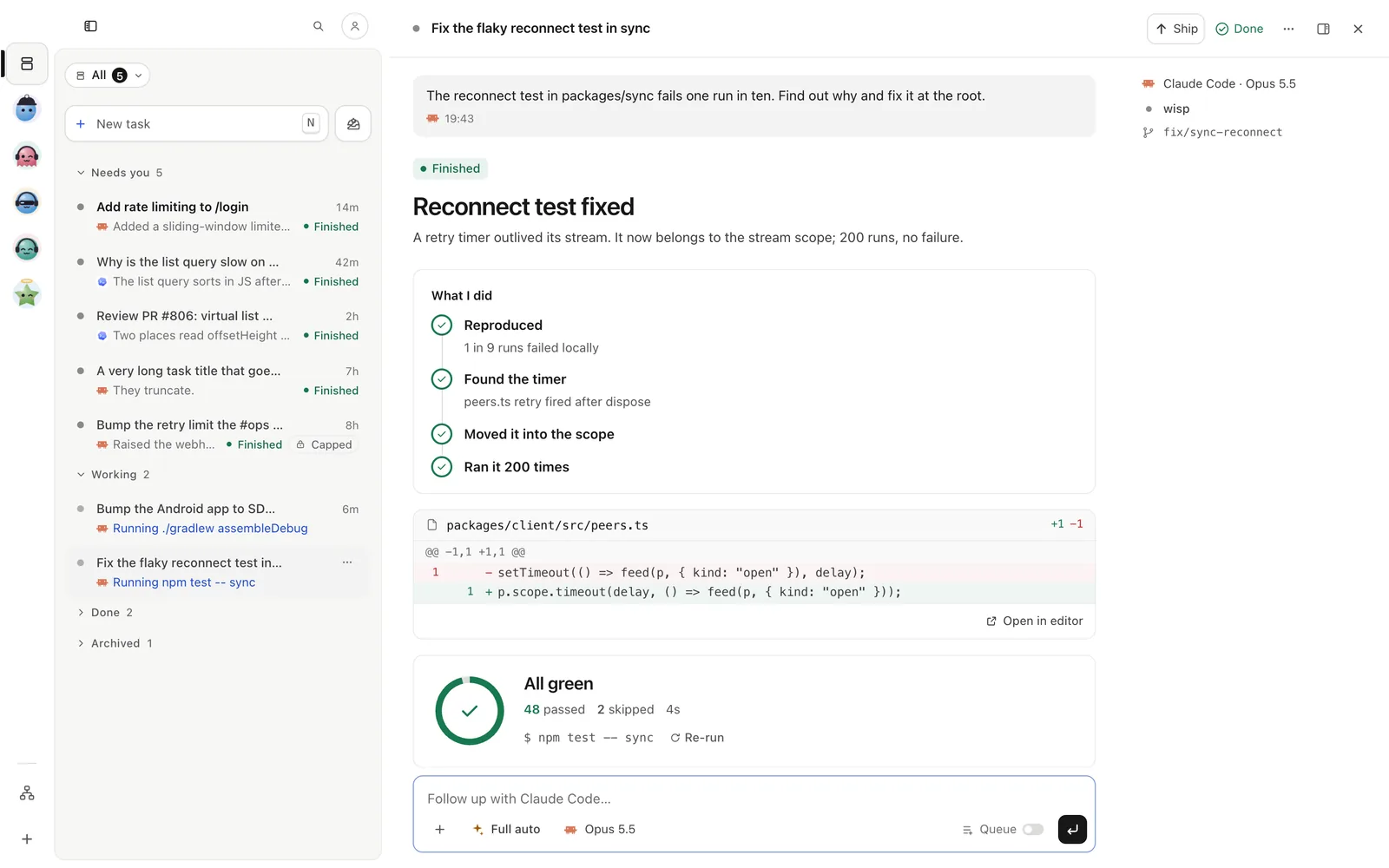
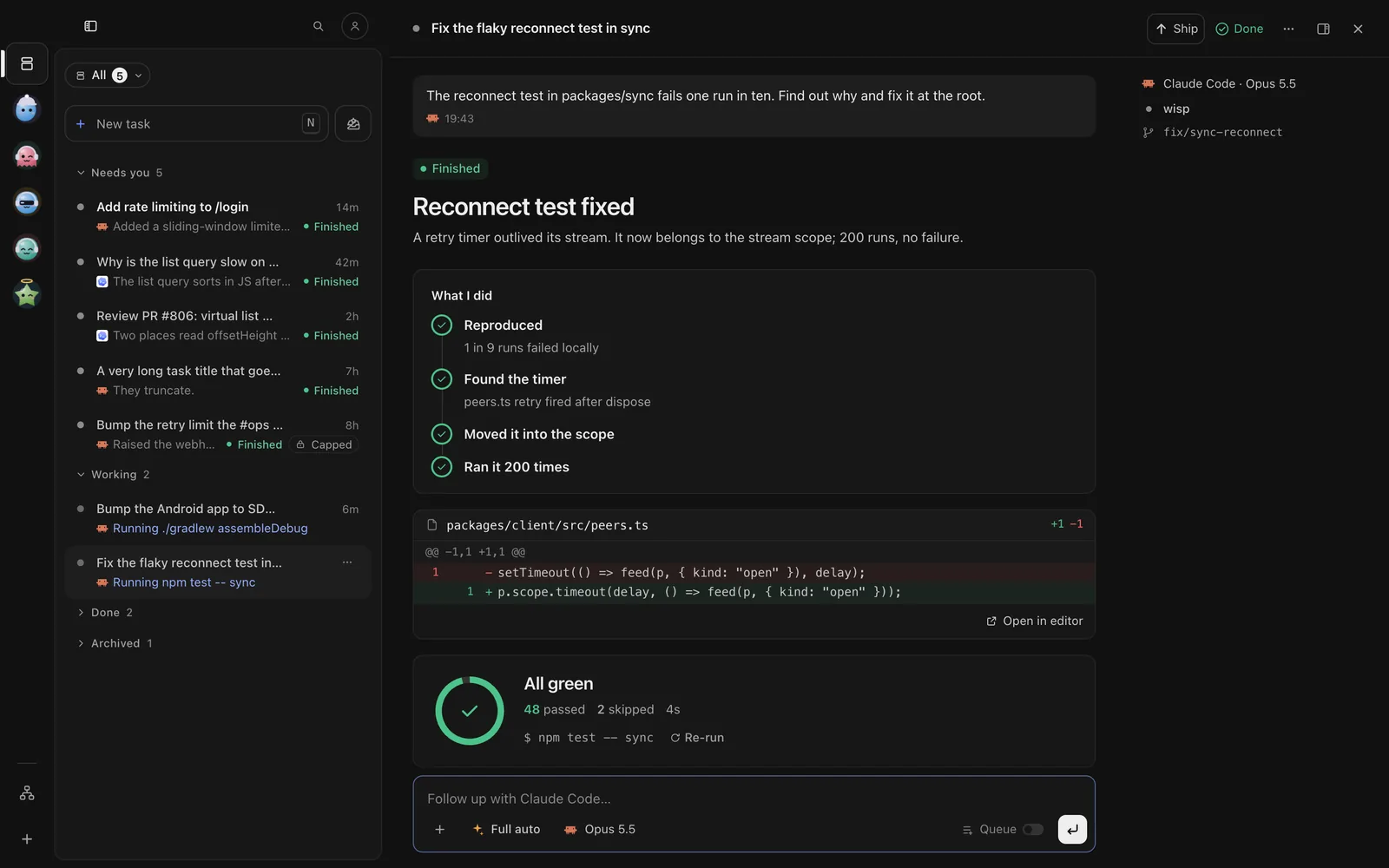
Tap a task in Tasks. It shows the steps live, then the answer. The pills under the title (Changes +n −n, the PR) open the changes and the PR as a sheet. ⋯ (iPhone) or ⋮ (Android) → Show › has the full transcript.
Press Enter on a task to open it. j and k move between steps, Space opens one, G follows the end. d opens the changes pane.
wisp ls --state running,waitingwisp attach <id> # live: its steps, its answer, its questions; then a reply boxwisp wait <id> # block until it finishes or asks you somethingwisp show <id> # the latest answer as markdownIn wisp attach, Ctrl-C detaches; a second Ctrl-C stops the task. last works as <id> for your newest
task.
Follow up
Press / to jump to the reply box under the answer, type, and press Enter. While the agent works, the Queue button decides what a follow-up does: it waits for the turn to end, or it interrupts now. Queued follow-ups show above the box. Drag them to change the order, edit them, Combine with the next one, or Send now.
To ask something without stopping the run, open the task’s ⋯ at its top right → Task options ›
Side discussion…, or type /btw is this safe?. The answer shows beside the run, and the run carries on.
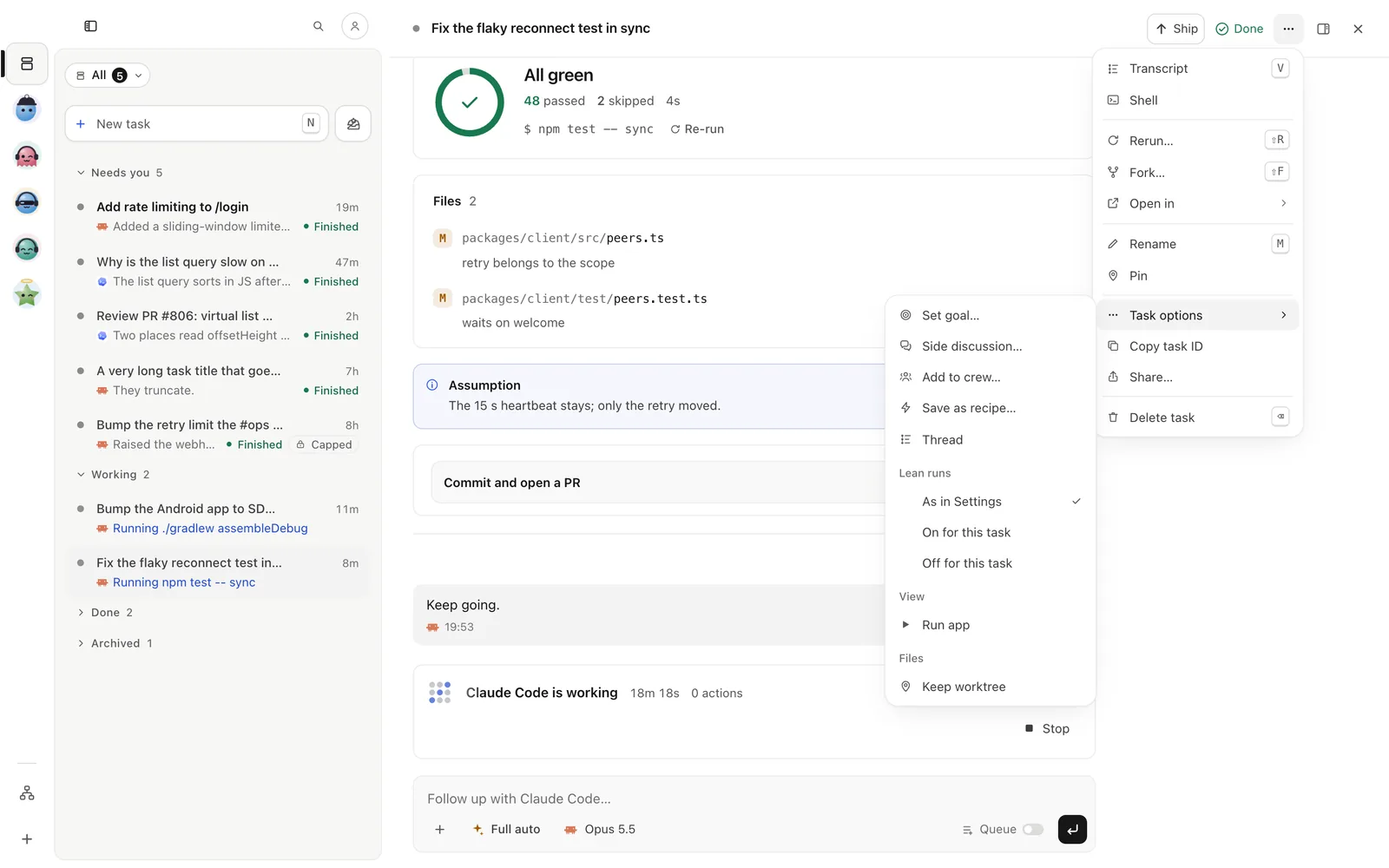
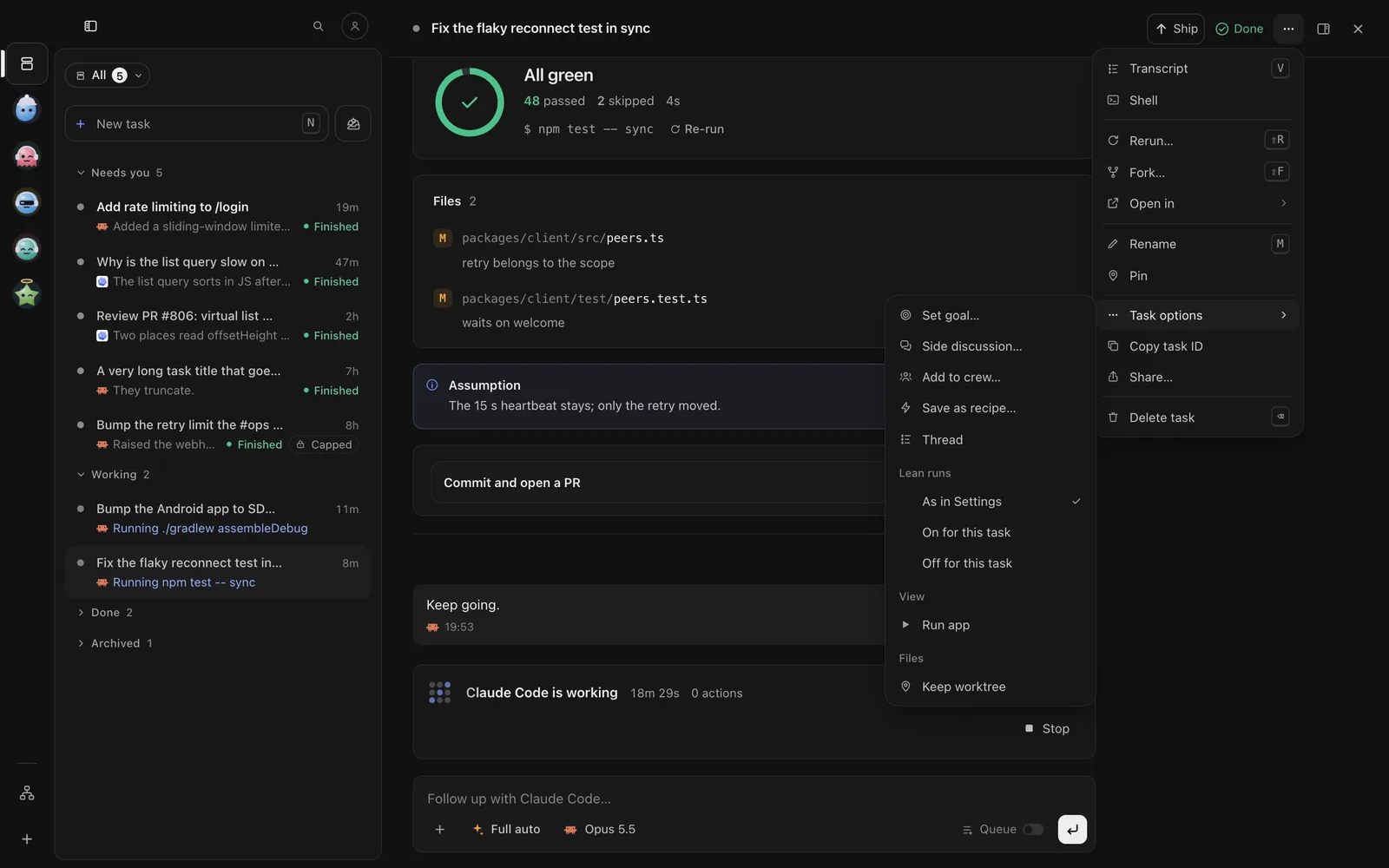
Type in the reply bar and tap Send. The options chip in the reply bar has Queue (send it after this
turn) and Send later. To ask on the side without stopping the run, type /btw is this safe?.
Press i, type and press Enter. While a turn runs, the follow-up is queued. Alt-↑ and Alt-↓ reorder the last queued one; Ctrl-S sends it now. Ask on the side with:
/btw is this safe?wisp reply <id> "also add a test" # interrupts the turn and sends nowwisp reply <id> --queue "then update the docs"wisp reply <id> --agent codex "review what you did" # another harness from here onwisp btw <id> "is this safe?" # answers on the side, the run goes onYou can also schedule a follow-up for later: Start later in the + menu, or
wisp later add <id> --text "check the deploy" --in 60 (minutes).
Stop it
Press Stop in the reply box while it works, and confirm. Queued follow-ups stay, held until you send one.
Tap Stop in the reply bar while it works, and confirm. Queued follow-ups stay, held until you send one.
Esc interrupts the running turn. s stops the task. Or send /stop.
wisp stop <id>A held turn
wisp holds a turn before it starts when something needs your yes: the repo asks to run its own programs (hooks, MCP servers, a worktree setup script), the harness changed since wisp last ran it, or the turn would push a usage window past your line (see Budgets and usage). The task shows Held and says why.
The held card has Trust and start, Run without them (without the repo’s own programs) and Skip this run. A turn held for a usage window offers Start now or Wait.
The held card shows in the task with the same buttons: Trust and start, Run without them and Skip this run, or Start now and Wait for a usage window.
With the task open, send /runtime held --action start (or without, or skip).
wisp held <id> start # or: without, skipCarry on yourself
To take the conversation into the harness’s own window, open the task’s ⋯ menu, Open in (in the TUI, o). When you come back, wisp picks the task up where you left it.