
Compare agents and try it two ways
Not sure which agent does a job best? Give the same ask to several of them and see. Compare runs one task on several harnesses at once. Try it two ways runs it twice on one harness with one thing changed, so you learn what that thing is worth.
Every run gets its own task and its own worktree, so the runs never touch each other.
Compare harnesses
- Press N for New task, and type the task.
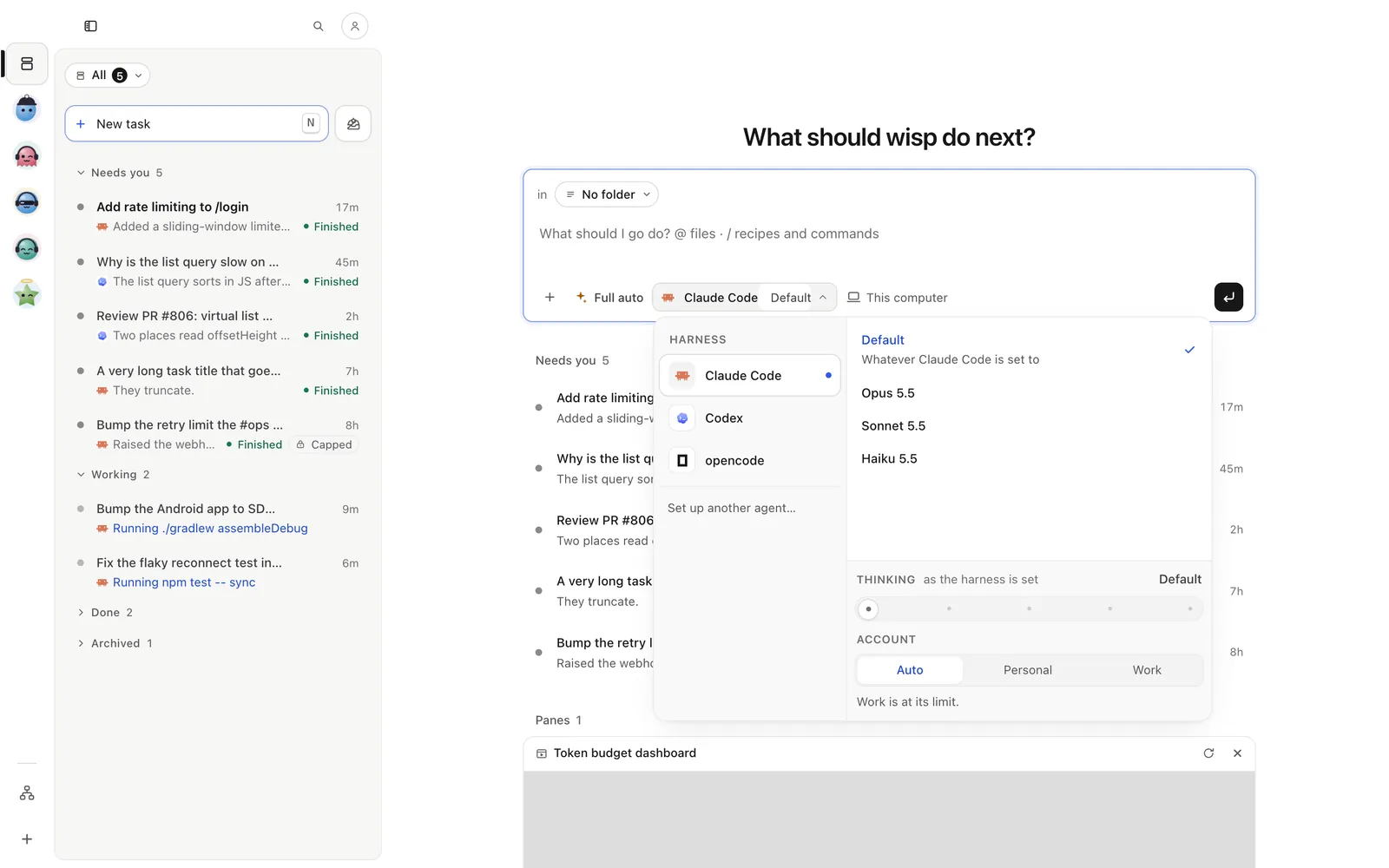
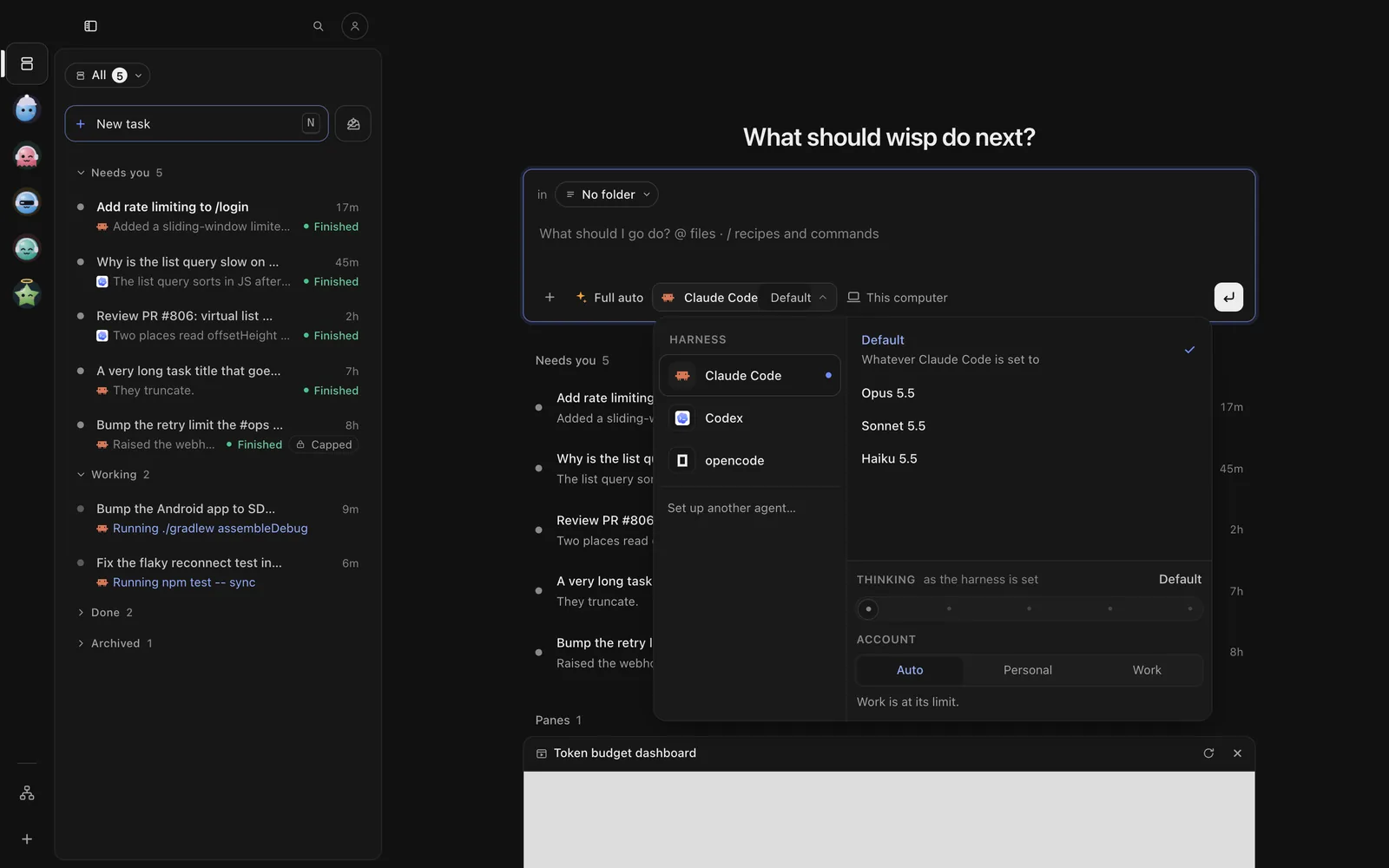
- Press +, then Compare with another agent…. A second harness joins the one you picked. Add more the same way, or remove one with its ×.
- Press Enter. One task per harness starts, grouped in the list under Compare.
In the browser (wisp --browser, or your cloud wisp) it’s the same window, menus and keys.
- Tap the compose button at the top right (iPhone) or New task (Android), and write the task.
- Tap ⋯ (More options), then Compare with another agent…. A second harness joins the one you picked.
- Start it. One task per harness starts, grouped in the list under Compare.
Start the runs from the CLI (next tab). Each run is a task in the TUI’s list, and opens like any other task.
wisp "make the list query fast" --compare claude,codexwisp "make the list query fast" --agent claude --model opus --compare codex:gpt-5,opencode--compare takes harness[:model], comma separated. --agent (with its --model) is the first run.
Try it two ways
Same harness, same model, same ask. Run B changes one thing:
- Subagents: the subagents run on Haiku, Sonnet, or the task’s own model.
- Skills: off. No skills or slash commands; plugins, agents and
CLAUDE.mdstay.
- In New task, press +, then Compare with another agent….
- Pick the same harness for the second run. Its picker then shows What’s different.
- Pick what run B changes (Subagents or Skills) and press Enter.
- In New task, tap ⋯ (More options), then Compare with another agent….
- Pick the same harness for the second run. Its picker then shows What’s different.
- Pick what run B changes (Subagents or Skills) and start it.
Start the pair from the CLI (next tab). Both runs show in the TUI’s list.
wisp "add pagination to /users" --agent claude --try skills=offwisp "add pagination to /users" --agent claude --try subagents=haiku--try needs --agent, edits (not Plan) and a worktree. It can’t go with --compare.
Read the comparison
Open any run, then ⋯ at the task’s top right → Compare runs, or open the Compare group in the list. Each run is a column: time, cost, tokens, agent steps, files, tests, and how much of your plan it took. A line on top says what differed (“used 30% fewer tokens and took 2 min less than A”). One run each is noisy, so it tells you that too.
Open any run, then ⋯ (iPhone) or ⋮ (Android) in its top bar → Show › Compare runs. You get the same numbers per run, and the line that says what differed.
Open each run with Enter and press d for its changes.
wisp ls --state donewisp show <id> # each run's answerwisp usage # what each task tookKeep one
Keeping a run archives the others. Their worktrees are deleted with their changes, so ship nothing from them first.
In Compare, press Keep this under the run you want, then Keep this one. wisp opens the kept run; ship it when you’re ready.
In Compare, tap Keep this under the run you want, then Keep this one. wisp opens the kept run.
Open the run you want. For a Try it two ways pair, send:
/runtime trial keepFor a compare, open each run you don’t want and send /runtime archive --archived.
wisp runtime trial keep <id> # a Try it two ways run: the other is archivedwisp runtime archive <id> --archived # a compare: archive each run you don't keepWhen to use which
- Compare to choose a harness or a model for a kind of work.
- Try it two ways to check a setting: are your skills helping, or do cheaper subagents do as well?
- To have one agent check another’s work instead, see Review by another agent.