
The desktop app
The desktop app is wisp in its own window. It is the same wisp as in the browser and on your phone: one small
local server, wisp serve, and one UI. The window adds what a browser tab can’t do well.
Install it
Pick the line for your computer.
| Computer | Get it |
|---|---|
| macOS 13.3 or later | brew install --cask wispagents/tap/wisp, or curl -fsSL https://trywisp.dev/install.sh | bash -s -- --app |
| Windows | wisp-windows-<arch>-setup.exe from the latest release |
| Linux | the .AppImage or the .deb from the latest release (glibc 2.35 or later) |
The release also has SHA256SUMS.txt, to check what you downloaded. On macOS, --app checks it for you and puts
wisp in your Applications folder.
Installed wisp with npm? You don’t need a separate download on macOS or Windows: wisp desktop fetches the small
window once, checks it against the release, and opens it. On Linux it opens a browser tab for now.
Open it
Open wisp from your Applications folder, Start menu or app launcher. It starts its server and shows your tasks. Open it again and you get the same window: there is only ever one. ⌘K (Ctrl-K on Windows and Linux) finds any task, command or setting.
In the browser (wisp --browser, or your cloud wisp) it’s the same window, menus and keys.
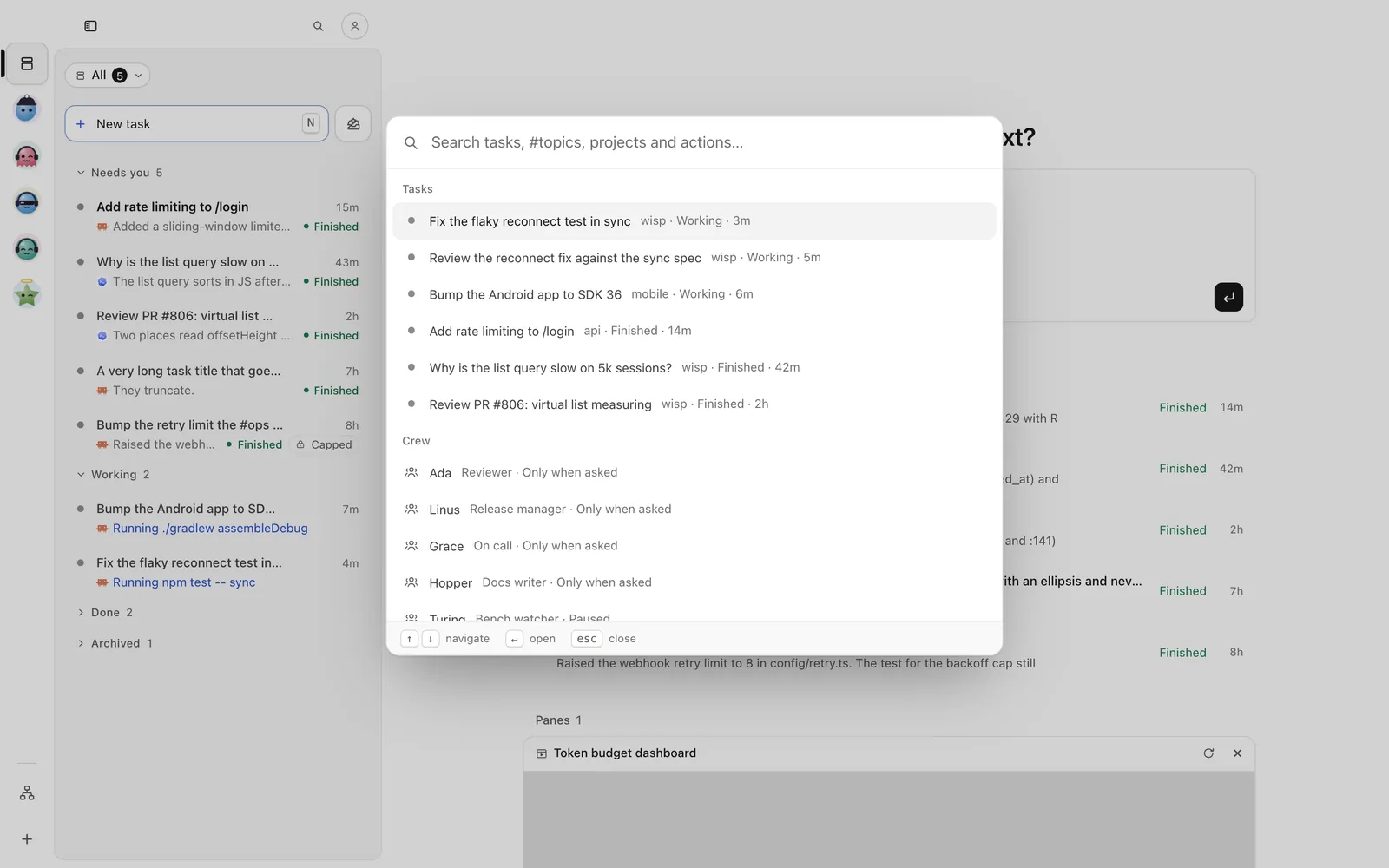
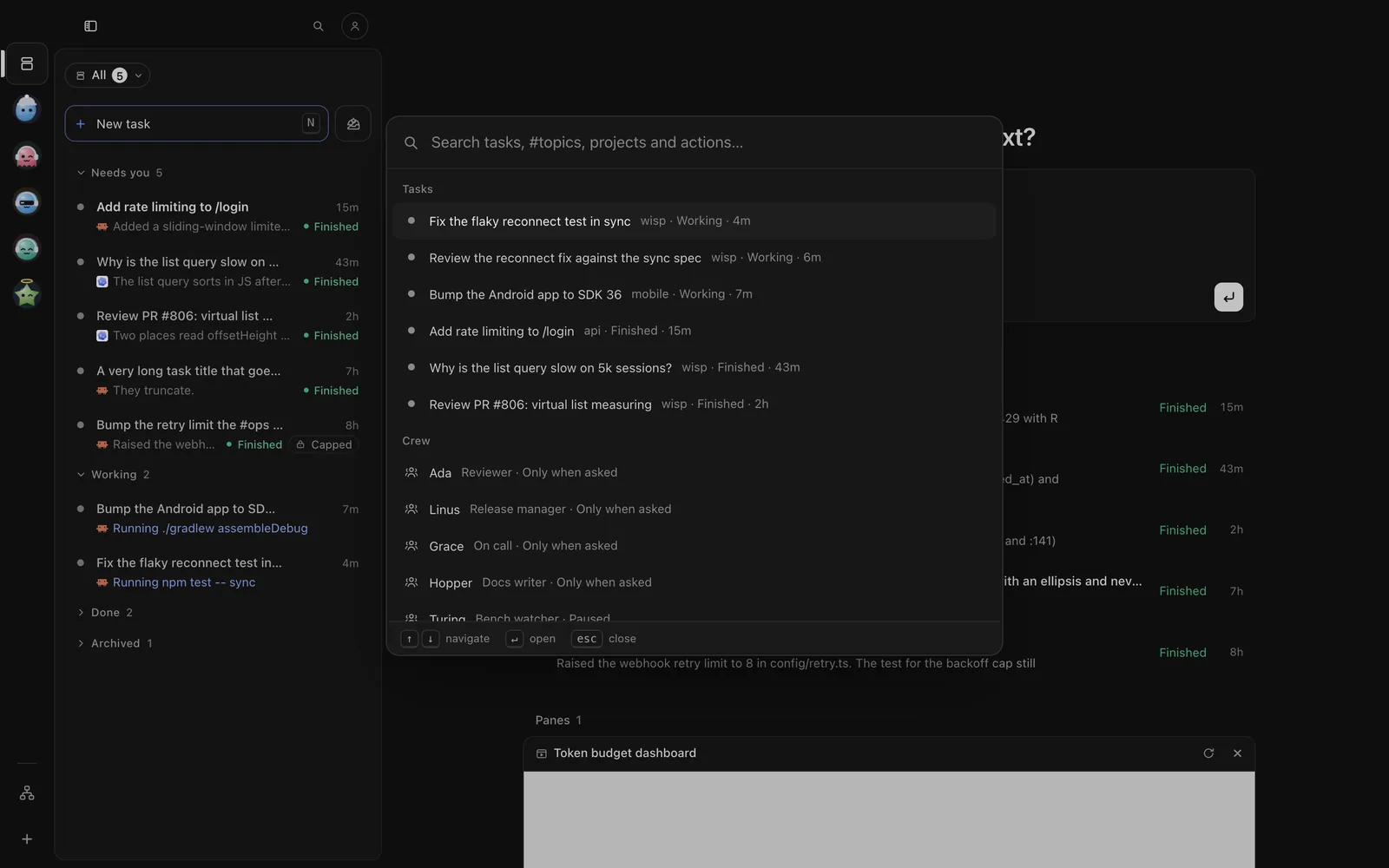
The phone app doesn’t start wisp on a computer. Open the Computers tab and tap a computer that is on: you see its tasks, live.
The TUI talks to the same server. With the app open, wisp tui in any terminal shows the same tasks, live.
wisp # opens the app (a browser tab when there's no app)wisp desktop # always the app windowwisp --browser # a browser tab instead: http://localhost:4477What the window adds
- A badge on the Dock or taskbar icon with how many tasks need you.
- System notifications when a task finishes or asks. Click one to go straight to that task.
- Your shell’s
PATH. Started from the Dock or Finder, the app still findsclaude,codexand the rest. - Links open in your browser, and the window keeps wisp.
- Menus and keys: Reload (Cmd/Ctrl-R), zoom (Cmd/Ctrl-=, -, 0), full screen.
- Closing the window: on macOS your agents keep running and the app stays in the Dock. On Windows and Linux, closing the window quits wisp and stops its server.
Updates
The app updates itself. When a new version is out, its top bar shows Update to ….
Press Update to … in the top bar, or open the person button → Settings → Updates: pick a channel (Stable, Beta or Nightly), Check now, then Update now. wisp restarts; running tasks are stopped, and it says how many first.
Updating wisp on a computer is done on that computer: see the Desktop app tab.
Send /update check, then /update install.
wisp update # is there a newer wisp?wisp update apply # install itA Homebrew install follows stable releases only; update it with brew upgrade.