
Worktrees and shipping a PR
Each task works in a worktree: its own branch in its own folder, made from your repo. Ten agents can work at once and never collide, and your own checkout stays as you left it. When the work is good, wisp commits it, pushes it and opens the pull request.
Worktree or in place
New tasks get a worktree by default. To work in the project folder itself:
In New task (N), click This computer · Worktree in the footer and switch it to work in place. The choice is kept for your next tasks. Settings → General → Worktree per task sets the default.
In the browser (wisp --browser, or your cloud wisp) it’s the same window, menus and keys.
Tap New task (on iPhone, the compose button at the top right), then the This computer · Worktree chip, and switch it to work in place. The person button at the top of Tasks → Settings → General → Worktree per task sets the default.
Press g then , for settings and find worktrees.worktree, or send /settings set --key worktrees.worktree --value off.
wisp "fix the typo in the README" --no-worktreewisp settings set worktrees.worktree off # the default for every new taskA project can say how its worktrees work: commands to run in a new one, files to copy in, and what to do when a task is done.
projects: api: path: https://github.com/acme/api # or the folder's absolute path setup: ["npm ci"] worktree: include: [".env"] # untracked files copied into each worktree onDone: remove-clean # ask | remove-clean | keep cleanupDays: 7 fixConflicts: true # an agent resolves PR conflicts by itselfThe first time a repo asks to run its own setup, wisp holds the turn and asks you (see A held turn).
Read the changes
Open the side panel (]) on its Changes tab, or press D: every file the task changed, with + and −
counts against the base branch. Comments you leave on lines go to the agent when you send them.
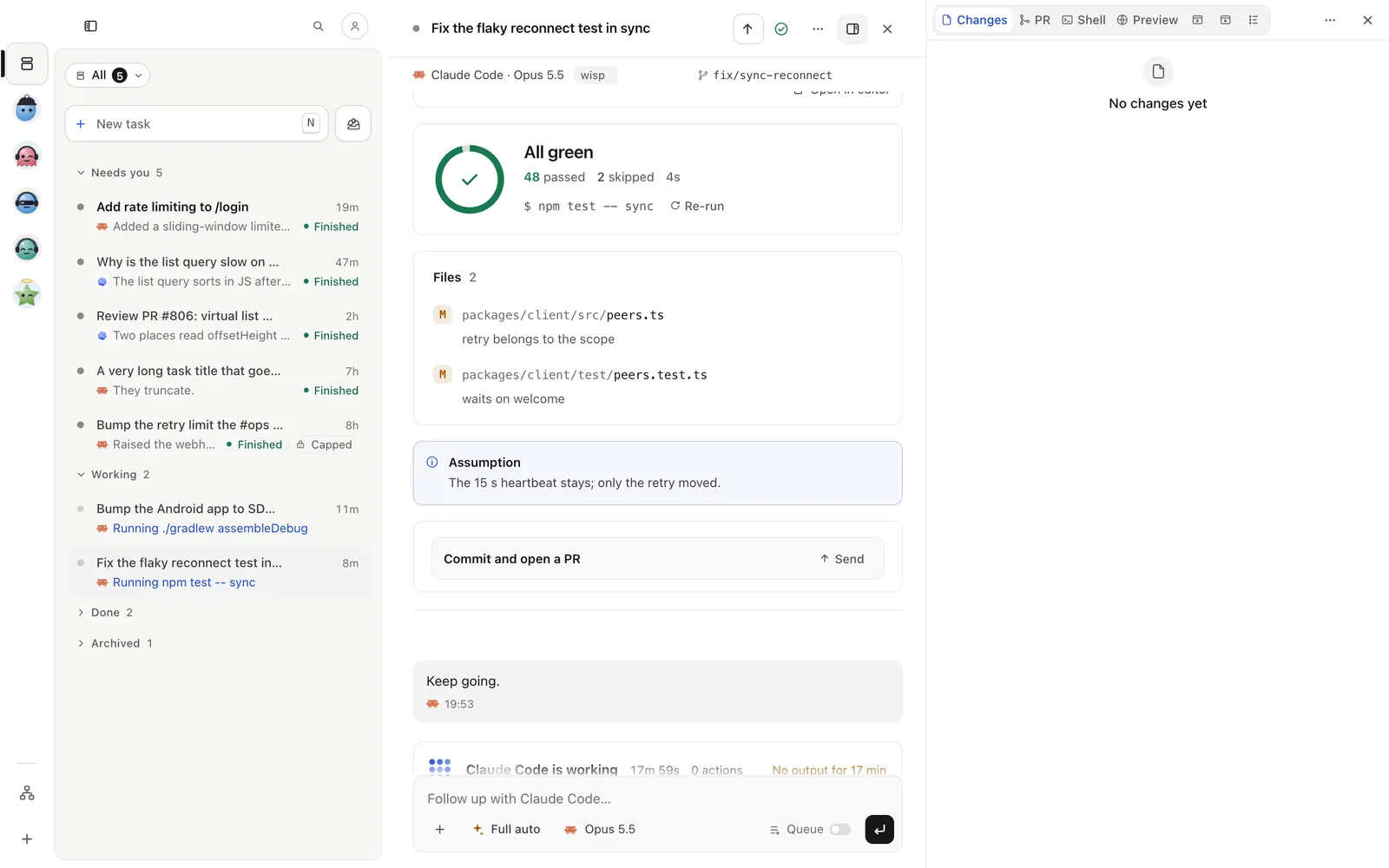
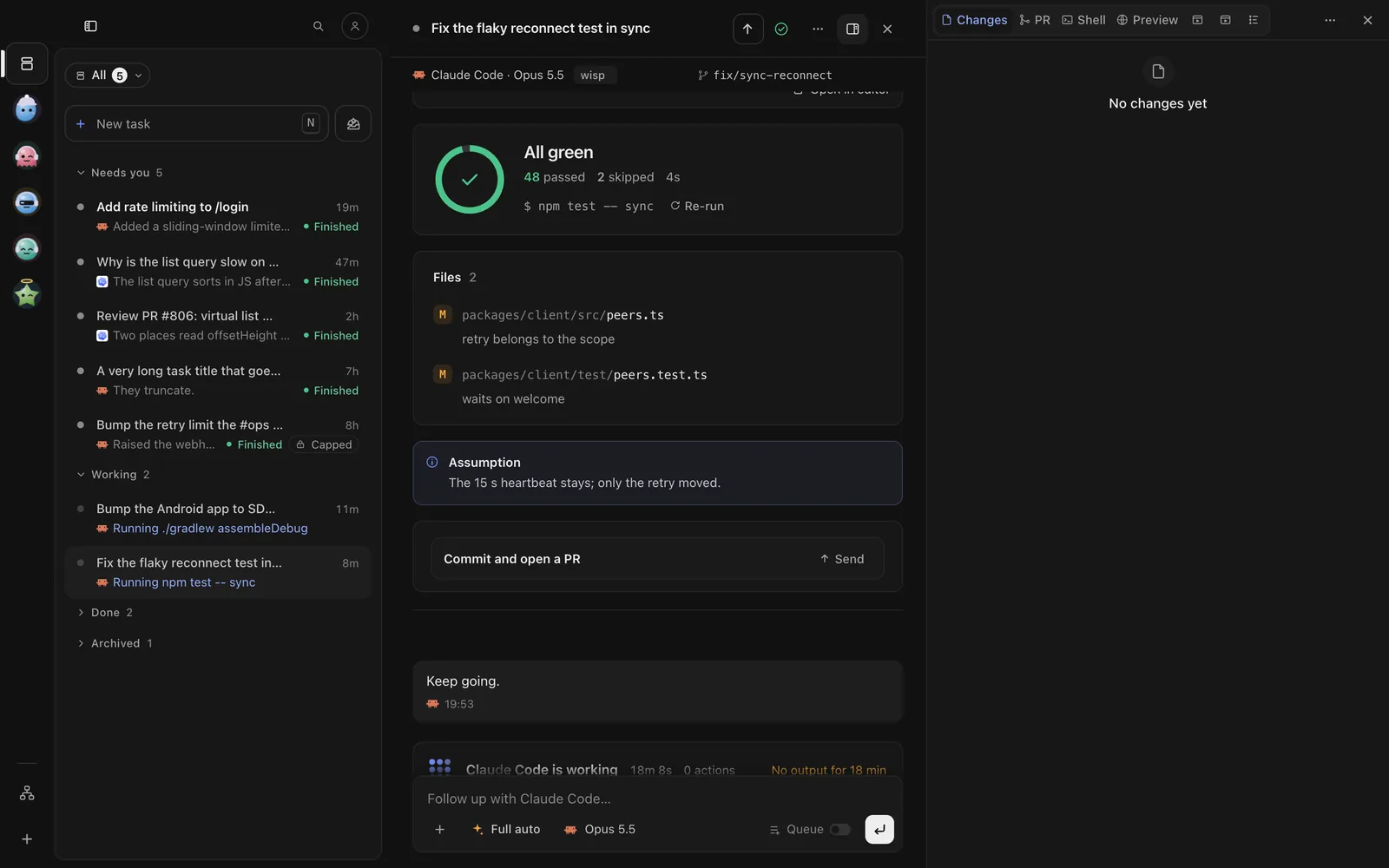
Tap the Changes pill under the task’s title (Changes +n −n). The changes open as a sheet, file by file.
With the task open, press d for the changes pane. Press d again to close it.
wisp show <id> # the answer, with its diffwisp ship view --session <id> # each repo's branch, its changes and what would shipShip it
Shipping commits what’s uncommitted, pushes the branch and opens a pull request (or pushes to the one it has).
Press Ship at the top of the task (S). Check the title and description (Write it with … has the agent write them), tick Open as a draft if you want, then Commit & open PR.
Open ⋯ (iPhone) or ⋮ (Android) in the task’s top bar → Ship it…. Check the title and description, tick Open as a draft if you want, then Commit & open PR.
With the task open, press i and send:
/ship ship --session <id> --title "Add a rate limit to /login"wisp ship <id> # commit, push, open the PRwisp ship <id> --draftChecks, reviews and conflicts
The PR tab follows the pull request: its checks, its reviews and comments, and whether it can merge. wisp checks GitHub every minute.
- A failing check: Ask to fix puts the check’s name and the end of its log in the reply box. Read it, then send.
- A review comment: it lands in the reply box the same way, to send to the agent.
- Conflicts with the base branch: Fix conflicts sends the task a follow-up to merge its base in and push. With Settings → General → Auto-fix PR conflicts on, it does that by itself.
Side panel → PR (or press P). The same buttons show on the PR strip at the top of the task.
Tap the PR pill under the task’s title. The sheet’s PR tab has the same buttons.
/ship details --session <id>/ship fix-conflicts --session <id>wisp ship details --session <id> # every PR of the task, checks and reviews includedwisp ship fix-conflicts --session <id>Merge
Merging squash-merges the PR on GitHub, fast-forwards your local base branch, and removes the worktree unless it holds uncommitted work.
PR tab → Merge, then Merge PR. If checks fail or no other harness reviewed it, wisp says so first; Merge anyway goes ahead.
On the PR sheet: Merge, then Merge PR. If checks fail or no other harness reviewed it, wisp says so first; Merge anyway goes ahead.
/ship merge --session <id>wisp merge <id>Tidy up
Finished worktrees are cleaned up after a while. A worktree that holds work is never removed without your yes.
Settings → Computers → Worktrees lists them, with how much room they take. On a task, ⋯ at its top right → Task options › Keep worktree keeps it out of the cleanup.
On a task, ⋯ (iPhone) or ⋮ (Android) → Keep and copy › Keep worktree keeps it out of the cleanup. The person button at the top of Tasks → Settings → Worktrees lists them all.
Send /worktrees keep --id <id> --keep true.
wisp worktrees view # the worktrees on diskwisp worktrees keep --id <id> --keep truewisp worktrees sweep # tidy idle worktrees nowwisp settings set worktrees.onDone ask # when a task is done: ask, remove or keepBefore you merge, you can have another harness read the diff: see Review by another agent.