
Review by another agent
An agent is bad at finding its own mistakes. A different harness, with a different model, finds other ones. wisp can have a second agent read the work before you merge it, in a few ways:
| Way | What it does |
|---|---|
| Review by another harness | Each PR is read by a harness other than the one that wrote it, and the tests run again. |
| A crew reviewer | A crew member with a reviewer’s brief reviews when you ask, or on every PR. |
| A delegate | The task’s own agent hands the review to another agent and reads its report. |
| Judges | Other agents vote on whether a task’s goal is met. See Goals and judges. |
Review every PR by another harness
With this on, when a task’s PR opens or gets a new push, another harness reads the diff and lists what it would fix, by severity, and the tests run again on the PR’s head. It runs on that harness’s own account. Merging stays possible: wisp just says when a PR isn’t reviewed or the review found issues.
⌘K → Settings (or the person button in the top bar) → General → Review by another harness. Pick Another harness than the author, or one harness.
In the browser (wisp --browser, or your cloud wisp) it’s the same window, menus and keys.
Tap the person button at the top of Tasks → Settings → General → Review by another harness. Pick Another harness than the author, or one harness.
/settings set --key review.harness --value otherwisp settings set review.harness other # or codex, claude, opencode … ; off to stopIn a formula, for the whole team:
settings: review.harness: otherRead the review, review again
Press P to open the PR tab in the side panel. It shows the review: Reviewed, Reviewing, or how many issues it found, with each finding. A finding goes to the task’s agent through the reply box, so you can read it before you send. Not reviewed yet, or not since the last push? Click the line to review it now, or use the task’s ⋯ → Review PR #n.
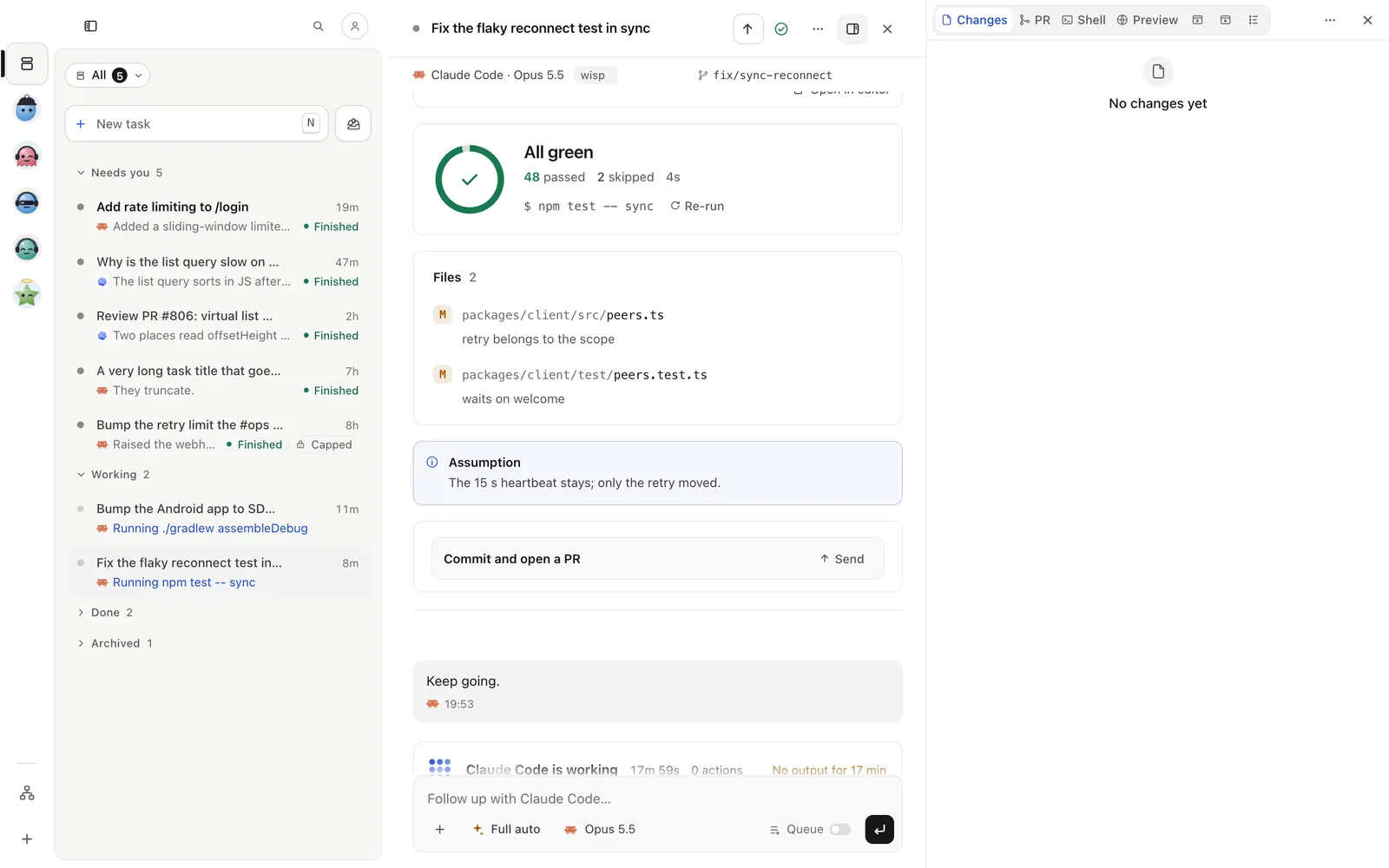
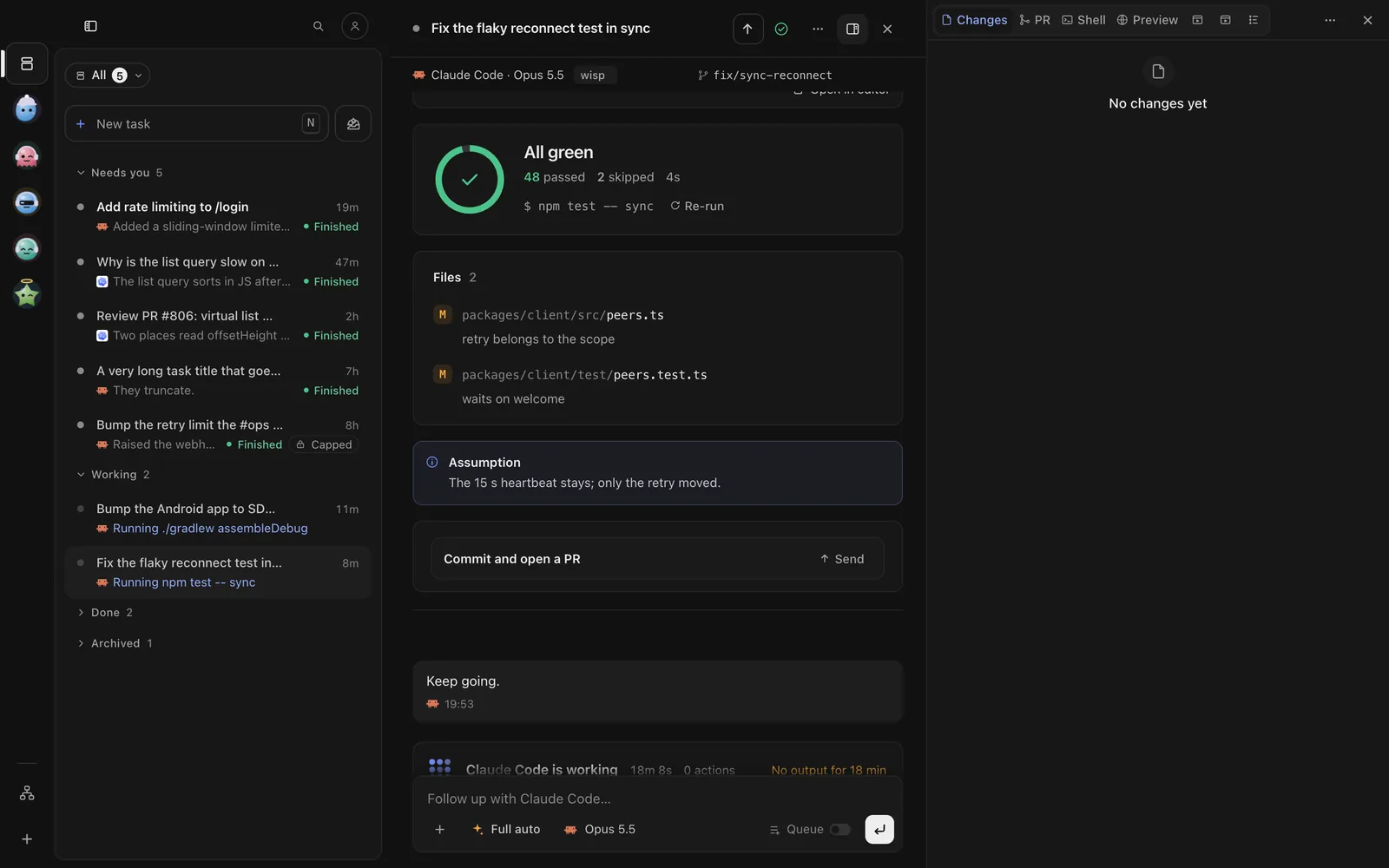
Tap the PR pill under the task’s title. The PR pane opens as a sheet, with the review and each finding. Tap a finding to put it in the reply bar. Not reviewed since the last push? Tap the review line to review it now.
With the task open:
/review view/review maybe --forcewisp review view <id> # the task's reviewwisp review maybe <id> --force # review it again nowreview.finished is an event, so a trigger can act on it.
Ask a crew reviewer
A crew member keeps a brief, a kit of skills and a notebook across jobs, so their reviews follow your rules. See Crew and check-ins to add one.
In the task’s reply box, write @ada review this PR and press Enter. Ada’s answer lands under your message, and
her job shows on her page.
In the task’s reply bar, write @ada review this PR and tap Send. Ada’s answer lands under your message.
Press i and type @ada review this PR; @ lists your crew.
wisp crew ask <id> ada "review this PR: correctness first"To have Ada review every PR the crew opens, declare a trigger:
agents: reviewer: { harness: codex, effort: high, mode: plan, instructions: "Review only. Never change files." }crew: ada: role: reviewer agent: reviewer brief: "Review every PR the crew opens. List what you would fix, by severity. Never merge."triggers: review-every-pr: on: pr.opened crew: adaDelegate the review
A task can hand parts of its work to other agents and read their reports.
In New task or the reply box, press +, then Delegate…. Add delegate, pick a harness and model, and
under Use for write review. Then ask: “when you’re done, have the reviewer check it”.
In New task, tap Delegate. In a running task, tap the options chip in the reply bar, then Delegate. Add
delegate, pick a harness and model, and under Use for write review. Then ask: “when you’re done, have the
reviewer check it”.
Write it in the follow-up: “hand the review to @ada and fix what she finds”.
wisp reply <id> "hand the review to @ada and fix what she finds"Compare is not review
Compare runs the same ask on several agents so you can pick one result. A review keeps one result and has another agent check it.