
Start with Codex
wisp runs Codex in the background, one worktree per task, on your own ChatGPT plan or OpenAI key.
What you need
The codex command. wisp also finds the standalone installer’s copy, and the Codex inside the ChatGPT desktop app
on macOS (on Windows that copy can’t be run from outside the app).
npm i -g @openai/codexSign in
Open Settings (the person button in the top bar, or ⌘K → Settings) → Agents → Sign in next to Codex. Open the sign-in page, enter the code wisp shows, and wait: wisp sees when you’re done. A key instead? Press Keys and paste it.
In the browser (wisp --browser, or your cloud wisp) it’s the same window, menus and keys.
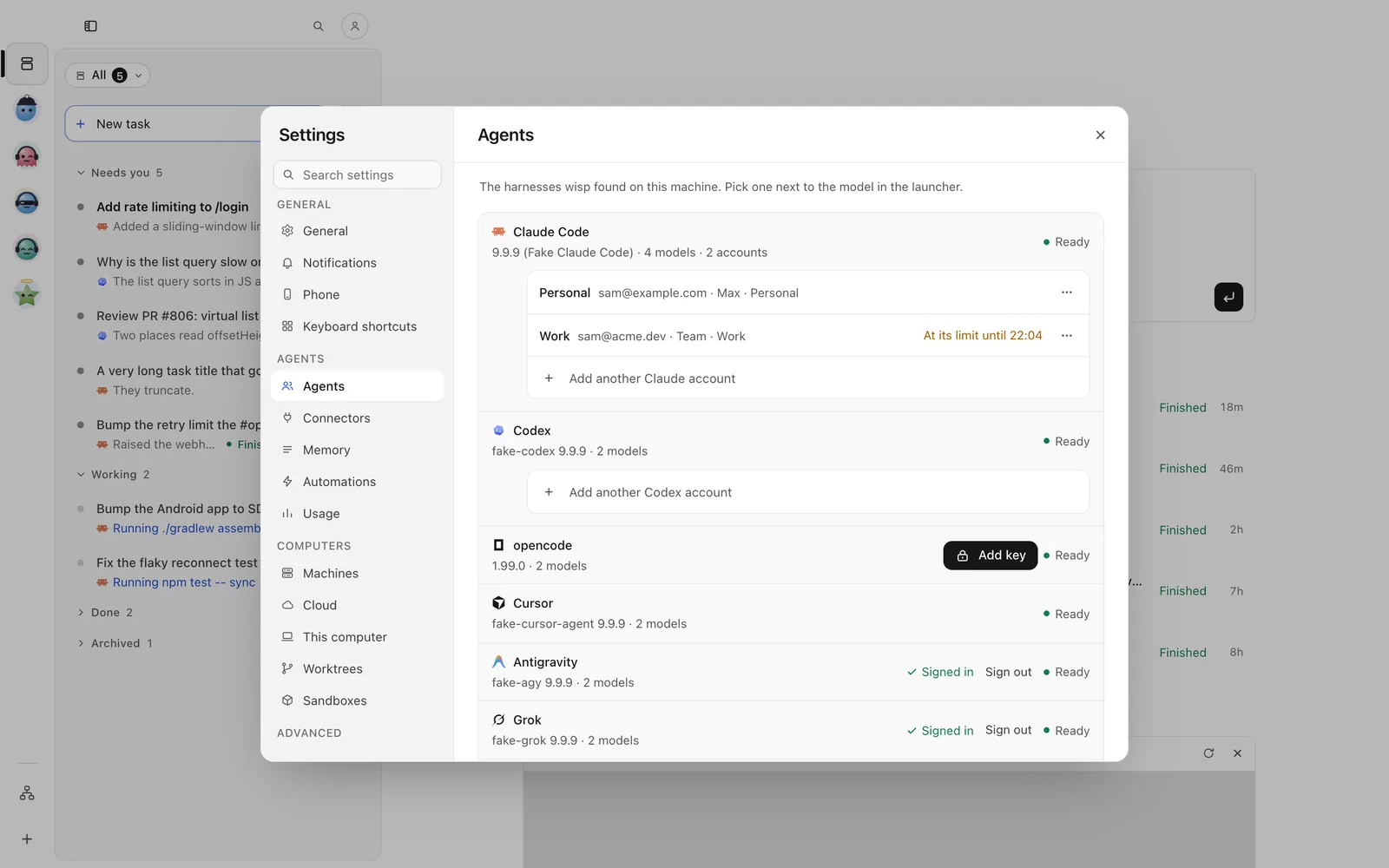
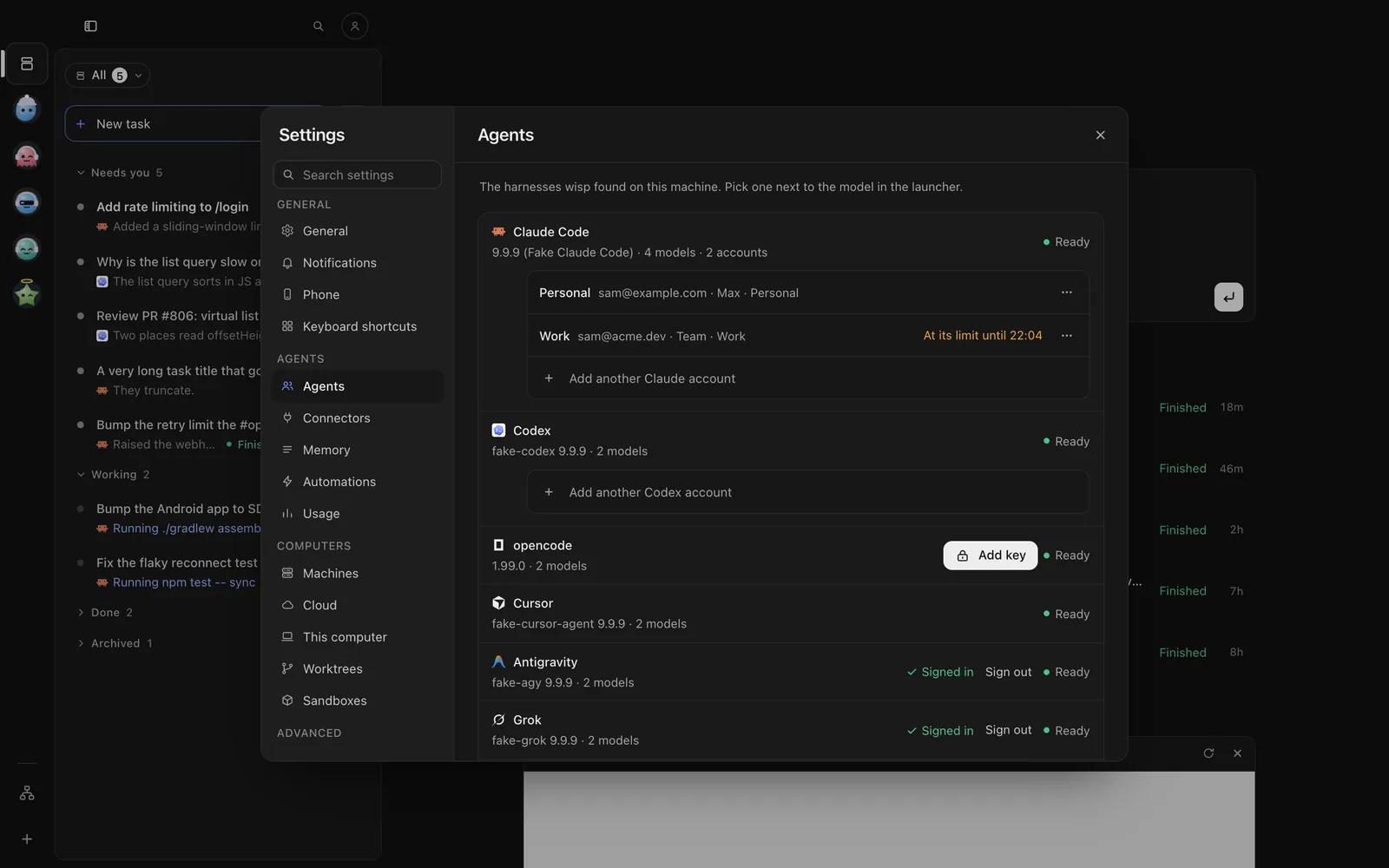
Tap the person button at the top of Tasks → Settings → Agents → Sign in next to Codex. Open the sign-in page, enter the code wisp shows, and come back: wisp sees when you’re done. A key instead? Tap Keys and paste it.
Send /accounts login start codex default in the reply box, and follow the link it gives.
wisp accounts login start codex default # a link and a codewisp accounts login status codex defaultOr run codex login yourself. A key in OPENAI_API_KEY or CODEX_API_KEY works too.
Pick it, its model and its effort
wisp reads Codex’s own model list. Effort: minimal, low, medium, high, xhigh.
Click the harness chip in the New task footer (N), pick Codex, then a model and a thinking level. On a running task, the same chip in the reply box changes it for the next follow-up.
Tap New task (on iPhone, the compose button at the top right), then the harness chip under the box. Pick Codex, then a model and a thinking level. On a running task, tap the options chip in the reply bar, then the agent.
Send /runtime set-agent --agent codex to move the open task to Codex.
wisp "add a dark mode toggle" --agent codex --effort highwisp runtime agents --json # the models each harness hasModes work as everywhere: Plan changes nothing, Edits asks before commands, Full auto never asks
(--mode plan|edits|auto).
What wisp adds for Codex
- Several accounts: Settings → Agents → Add another Codex account. Each keeps its own limits.
- Usage windows: wisp reads Codex’s 5-hour and weekly windows, and any banked resets. Settings → Usage → Check Codex while work waits asks Codex every 10 minutes how they stand, so held work goes as soon as a window resets. Nothing is spent.
- Automations stop at: Codex can have its own line, so your ChatGPT chats keep room on a shared plan.
- Questions from Codex reach you in wisp and the run waits.
Open in Codex
Open the task’s ⋯ at its top right → Open in › Open in Codex (key T). Codex opens in a terminal in the side panel.
Open the task, then ⋯ (iPhone) or ⋮ (Android) → This task › Open in Codex. Codex’s own screen opens in a terminal on the phone.
Press o in the open task. Quit Codex to come back.
wisp runtime resume-command <id>