
Long threads and fresh threads
A long conversation wears out. The agent forgets a rule you gave early on, repeats a fix that already failed, or loses the why after a compaction. wisp keeps the task’s state apart from the conversation, in its Notes, so the conversation can be thrown away and the task carries on.
Notes
Each task has Notes, in sections that are rewritten, never appended:
| Section | What it holds |
|---|---|
| Goal | what done looks like |
| Constraints | musts and must-nots |
| Decisions | what was chosen, and why |
| Tried and failed | what didn’t work, and why |
| Where it stands | the state right now |
| Open questions | what is still unclear |
| Key files | the files that matter |
The agent keeps them with its wisp_notes tool, and you can edit any section. Before each follow-up, wisp puts the
Notes as they are now in front of your message, and says so when your message changes something said earlier.
Subagents read their lead’s Notes, so they share its decisions.
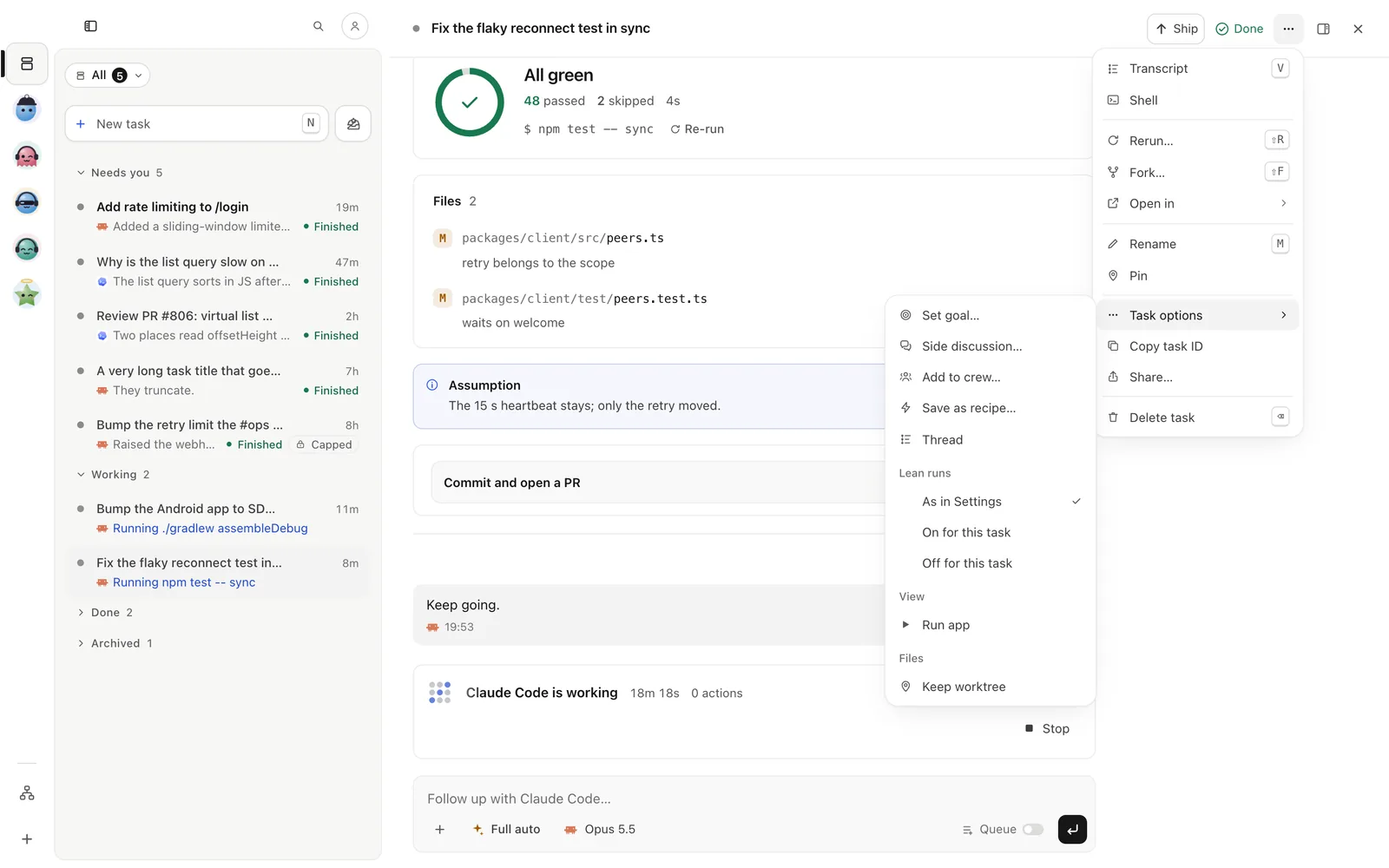
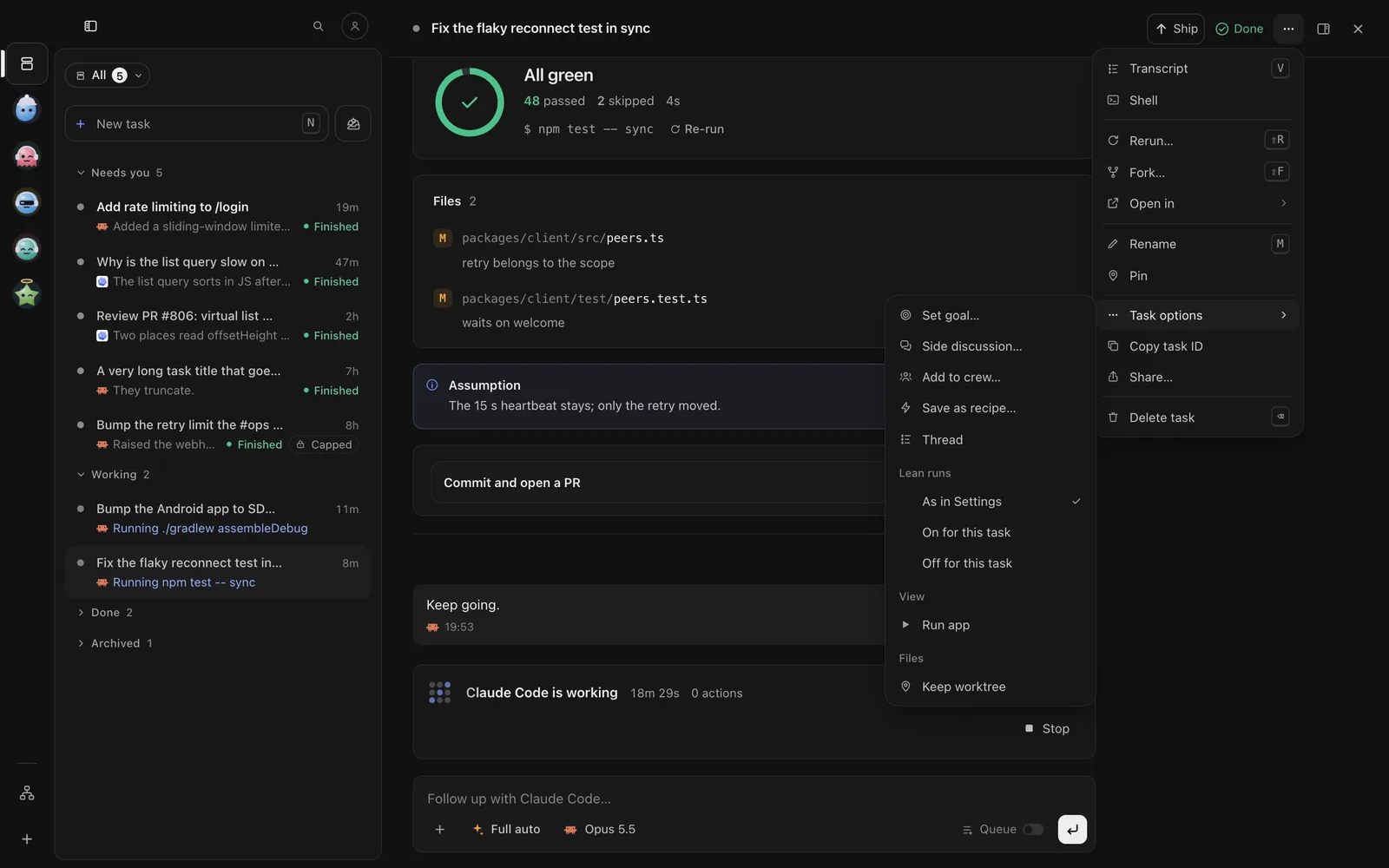
Open ⋯ at the task’s top right → Task options › Thread. The Thread tab opens in the side panel (] shows or hides the panel). Each section shows who wrote it and when; Edit rewrites it, and its history shows earlier versions.
In the browser (wisp --browser, or your cloud wisp) it’s the same window, menus and keys.
Tap ⋯ (iPhone) or ⋮ (Android) in the task’s top bar → Show › Thread. The Notes open as a sheet; tap a section to edit it.
With the task open, press t for the Thread pane. To rewrite a section:
/threads notes-update --section constraints --text "No new dependencies"wisp notes <id> # the task's Noteswisp notes <id> --set "constraints=No new dependencies"wisp threads revisions <id> # every earlier version, and who wrote itA formula can give a task its first Notes:
tasks: login-limit: prompt: Add a rate limit to /login notes: goal: 5 attempts per minute per IP, then 429 with Retry-After constraints: [No new dependencies, Keep the public API of auth/login]How worn is the thread
The thread’s health comes from what wisp already sees, with no extra model calls: how full the context is, how many compactions and turns, and the same error coming back. When it’s worn, the Thread tab says so and offers Fresh thread.
After a compaction, wisp asks a throwaway copy of the conversation what it still remembers of the goal, constraints, decisions and failures. The answer shows as a line in the task (“Kept 6 of 8”), and what was lost goes in front of your next follow-up, so the agent gets it back.
The top of the Thread tab: Fresh, Worn and the facts behind it (“context 85% full · 3 compactions · same error 4×”). Compactions lists what each one kept and lost.
The top of the Thread sheet (⋯ / ⋮ → Show › Thread) shows the same health line and Compactions.
The Thread pane (t) shows the same health line.
wisp threads health <id>wisp threads audits <id> # what each compaction kept and lostStart a fresh thread
A fresh thread is a new conversation on the same task. It starts from a brief: the Notes, the files changed and the last turns. You can read and edit the brief first. The old conversation stays linked.
Thread tab → Fresh thread. Read the brief, change it if you like, then Start fresh thread.
Thread sheet → Fresh thread. Read the brief, change it if you like, then Start fresh thread.
With the task open:
/threads fresh-brief/threads freshwisp fresh <id> --print # show the brief, start nothingwisp fresh <id> -f brief.md # start from your own briefwisp fresh <id>From your harness
In a repo with a .wisp/ folder, your own harness gets the wisp_notes tool through wisp’s MCP server, so a
session you run outside wisp can keep Notes too. See MCP from your harness.