
Build a software factory as code
A software factory is a set of agents that turn work into pull requests without you starting each one: a
builder picks up issues, a line of stations (spec, build, checks, review, ship) carries each one to a PR, a fixer jumps
on red CI, and a nightly job keeps the dependencies fresh. In wisp the whole factory is a few files in .wisp/, reviewed and changed in pull
requests like the rest of your code.
Start with wisp init in the repo: it makes .wisp/ with a wisp.yml. This guide then builds the factory step by
step, one file per part (any *.wisp.yml in the folder is read). Every field used here is in the resource kinds reference.
1. The agents
Say which harness does what, once, and refer to it everywhere else.
wisp: 1agents: builder: { harness: claude, model: opus, mode: auto, skills: [house-style] } reviewer: { harness: codex, effort: high, mode: plan, instructions: "Correctness first, then tests, then style." } fixer: { harness: claude, mode: auto }skills: house-style: { description: How we write code here, path: docs/house-style.md }2. The crew
Crew members are agents that stay, with a role and a brief. They’re who the triggers below wake.
crew: bob: role: builder agent: builder brief: "Build what an issue asks. Write the test first. Open a PR; never merge." sandbox: job # each job in a worktree of its own cron: "every weekday at 9" # a check-in of its own each morning parallel: 2 ada: role: reviewer agent: reviewer brief: "Review every PR the crew opens. Request changes or approve; never merge."3. The triggers
A trigger starts work when something happens. Its on is any of the
events and trigger sources.
triggers:  build-labeled-issues:    on: issue.labeled    label: agent              # an issue labeled "agent" (GitHub, Linear or Jira, through wisp.issues)    crew: bob    prompt: "Build {event.summary}"    concurrency: queue    budget: { perRun: 5, perDay: 40 }
  review-crew-prs:    on: pr.opened    crew: ada
  fix-red-ci:    on: ci.failed    followUp: true            # a follow-up to the task whose PR failed, with the failing log    cooldown: 30m    rate: 5/h
when: { days: mon tue wed thu fri, hours: "9-18" } keeps a trigger to working hours; approval: true makes a job
wait for your yes before it starts.
4. Goals: done means done
A task with a goal is sent back after each turn until its judges agree the goal is met. Declare goals once, by
name, and point tasks at them; default under goals: and under tasks: gives every goal and every task its
defaults, and their own fields win.
goals: default: { judges: [reviewer], vote: majority, maxRounds: 6 } # every goal's defaults green-build: { text: "npm test passes and the build is green", judges: [reviewer] }tasks: default: { agent: builder, mode: auto, worktree: true } # every task's defaults fix-build: { prompt: Make the build pass, goal: green-build } # a goal by name, or inline { text: … }wisp validate names a goal no one declared. tasks.default never runs on its own and holds no prompt, steps or
schedule; every run of a task (by hand, by its schedule, from a trigger’s task:) takes it. Tasks you start another
way (wisp "…", New task, a crew member’s job) don’t.
Attach a declared goal when you start any task:
New task → + → Goal… lists the declared goals by name; pick one, or New goal… to write your own.
New task → + → Goal…, then a goal by name or New goal….
From any reply box (i): wisp "Make the build pass" --goal green-build; on an open task, /goal set green-build.
wisp "Make the build pass" --goal green-buildwisp goal set <id> green-buildYour own agent does the same with wisp_launch’s goal. More in Goals and judges.
5. The line every task goes through
A factory puts a task through stations instead of one agent: a spec you approve, a build in its own worktree, checks that are commands, a review, and a PR you merge. A failed check or review goes back to the build with what failed, up to a limit, then asks you. Declare the line once and point tasks at it.
factories: default: # replaces the built-in default stations: spec: { agent: builder, approve: human } build: { agent: builder, worktree: true } checks: { run: [npm test, npm run lint] } review: { agents: [reviewer], vote: majority } ship: { pr: true, merge: human } loop: { back_to: build, max: 3, then: ask }tasks: ship-fix: { prompt: Fix the failing test, factory: default } # or `factory:` under tasks.default: every tasktriggers: build-labeled-issues-through-the-line: on: issue.labeled label: factory prompt: "Build {event.summary}" factory: defaultStart any task through it with wisp "…" --factory, Factory in New task’s picker, or wisp_launch’s factory.
More in Run a task through a software factory.
6. A nightly workflow
A workflow is steps with dependencies, run by hand (wisp run nightly) or by a trigger.
triggers: every-night: { on: schedule, cron: "every day at 2", workflow: nightly }workflows: nightly: budget: { usd: 20 } tasks: deps: { agent: builder, prompt: "Update the dependencies that have patch releases. Run the tests." } audit: { agent: reviewer, needs: [deps], prompt: "Review the dependency update: ${{ tasks.deps.output }}" }7. Guardrails
budget: { stopAt: "75", taskUsd: 10 } # automations stop at 75% of a usage window; $10 at most per taskSettings → Agents → Usage also has Stop a run silent for, which stops a run that sits with no output.
8. Check it, then turn it on
⌘K → Settings → Advanced → Setup → Import. Paste a formula and press See what it changes: what
it adds, changes and removes, and the secrets it needs. Then Apply. A repo’s .wisp/ folder is read by the CLI
(CLI tab).
In the browser (wisp --browser, or your cloud wisp) it’s the same window, menus and keys.
Writing and reading a whole formula is a job for a computer: use the Desktop app tab. The phone’s Settings → Advanced → Setup → Import works the same if you have a formula to paste.
Run the CLI commands (next tab) in a terminal. Then g c shows the crew and g a the triggers that came in.
wisp validate # the schema and the referenceswisp plan # what will changewisp apply # turn it onwisp graph # what refers to what, as GraphvizCommit .wisp/. Anyone who clones the repo and runs wisp apply gets the same factory. Change it the way you
change code: a branch, a pull request, a review.
Watch it run
Each job is a task in the list, with the member’s face on it. Click a member in the crew rail on the far left for their jobs, or Org at the bottom of the rail for who hands work to whom. ⌘K → Settings → Agents → Automations lists the triggers and when they last ran.
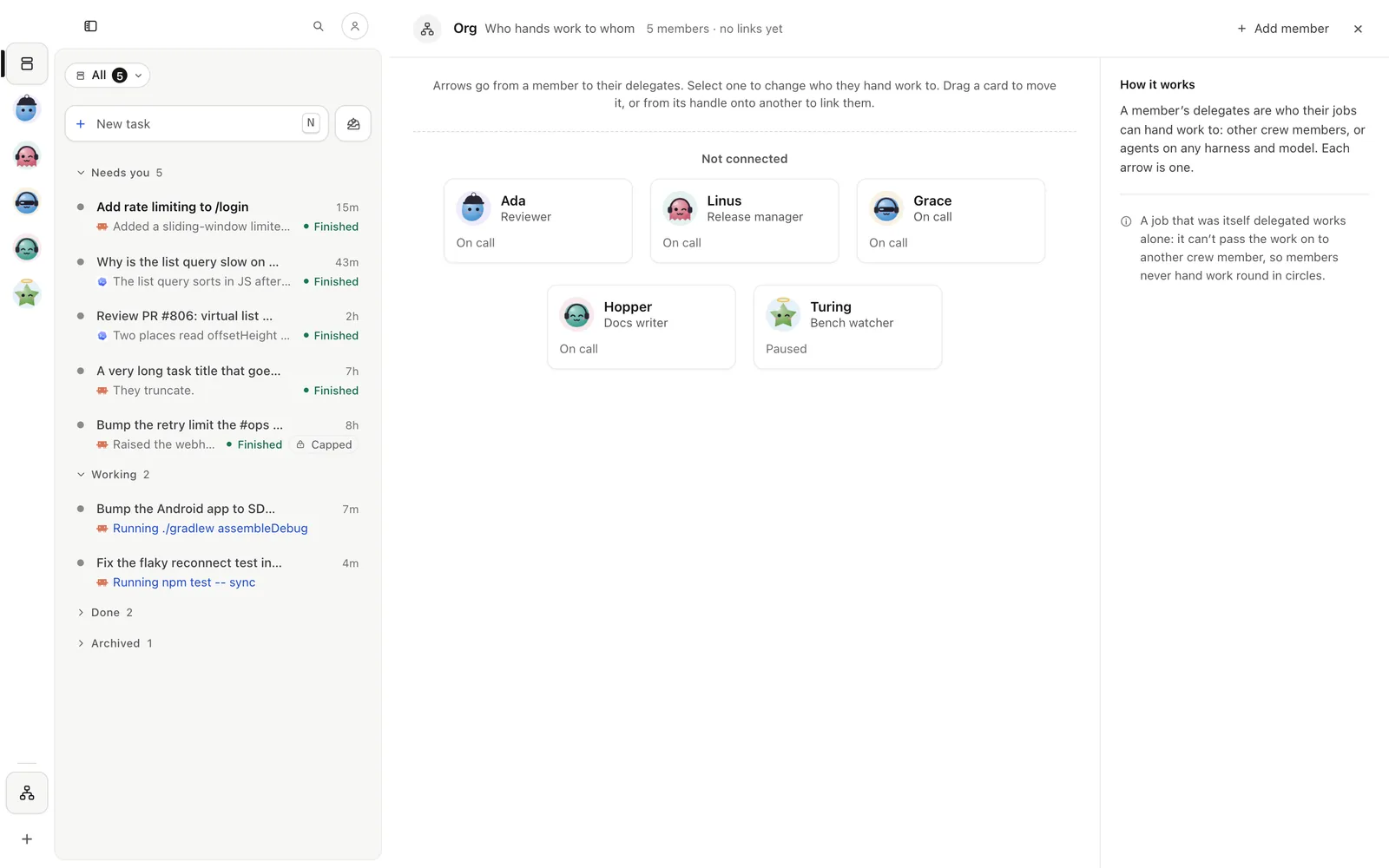
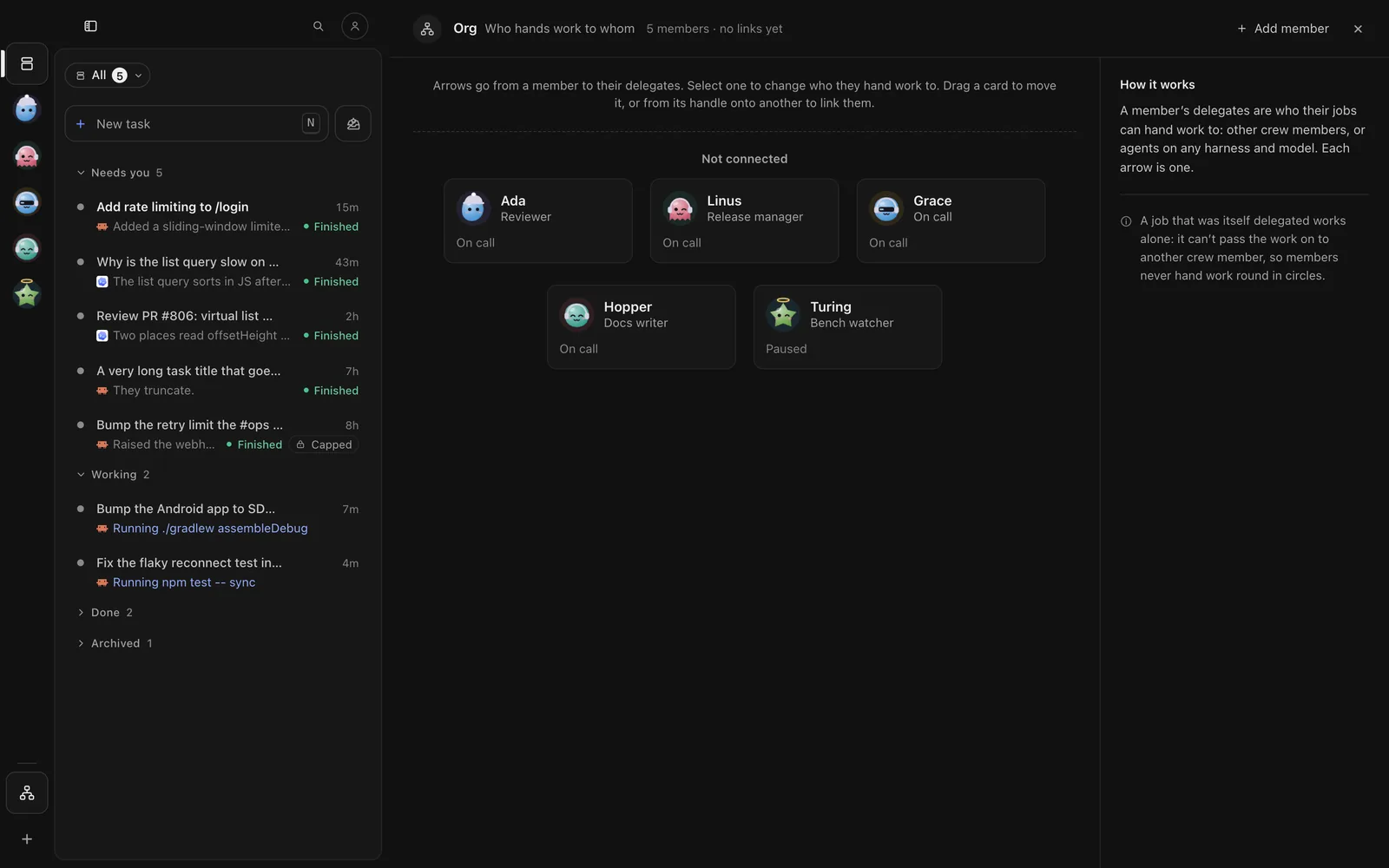
Each job is a task in Tasks, with the member’s face on it. The Crew tab lists the members: tap one for their jobs, or Org for who hands work to whom. The person button at the top of Tasks → Automations lists the triggers.
g c for the crew, g a for the triggers (t tests one without starting anything), g t for the tasks.
wisp ls --crew bob # one member's jobswisp ls --workflow nightly # a workflow's runswisp automations trigger log fix-red-ciIn a repo that keeps its history, every job is saved next to the code it wrote. More on the parts: Crew and check-ins, Automations, schedules and triggers, Goals and judges.