
Goals and judges
Agents often stop before the work is done. A goal fixes that. After each turn, one or more judges read the code and the answer, and vote. If the goal isn’t met, the task gets another turn with what is missing.
Set a goal
Write what done means, in one line you could check yourself: “all tests pass and the build is green”.
- New task (N): type
/goal all tests passin the box and press Enter. A Done when line holds the goal; the task keeps going until it holds. - A task that is already running: type
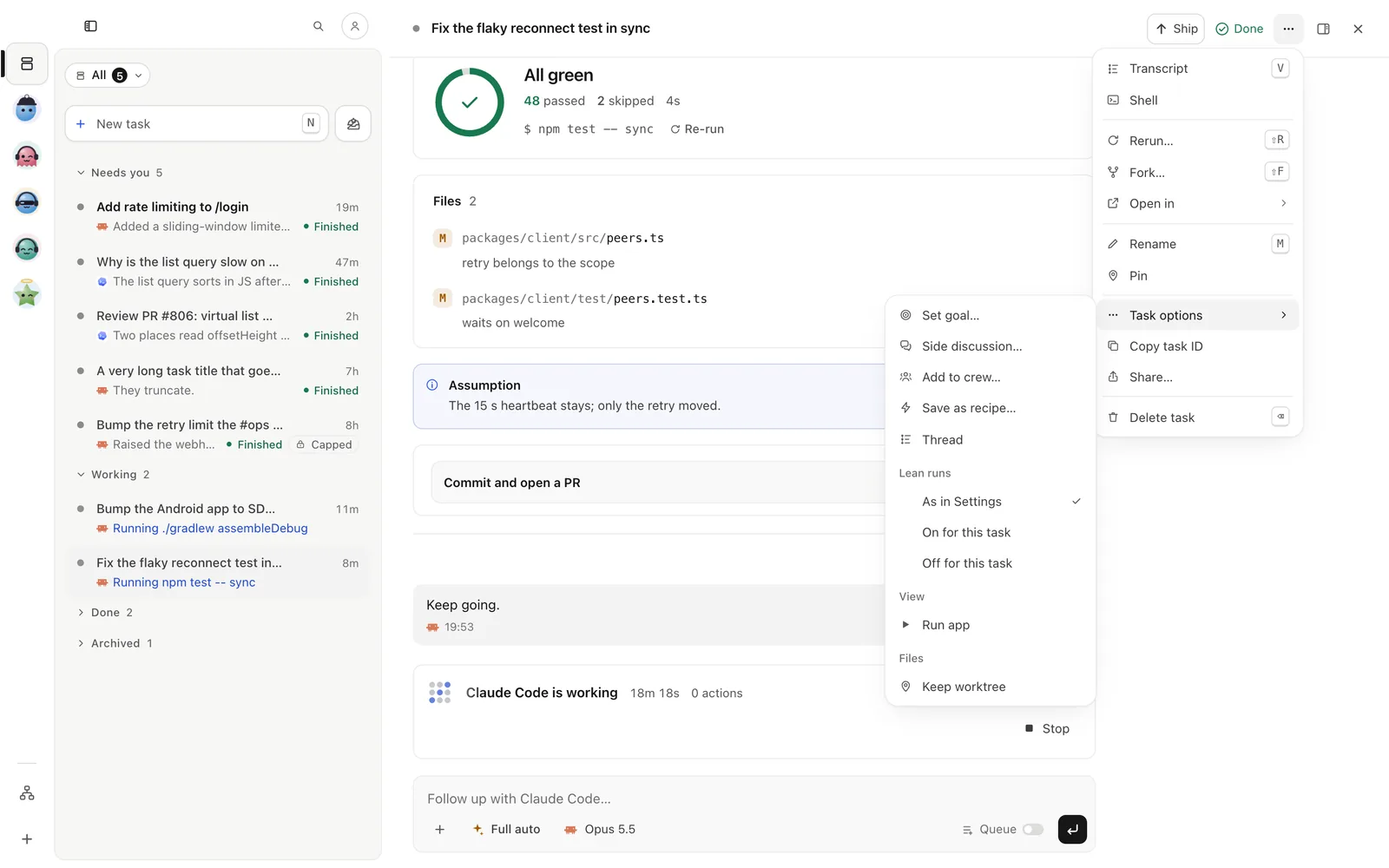
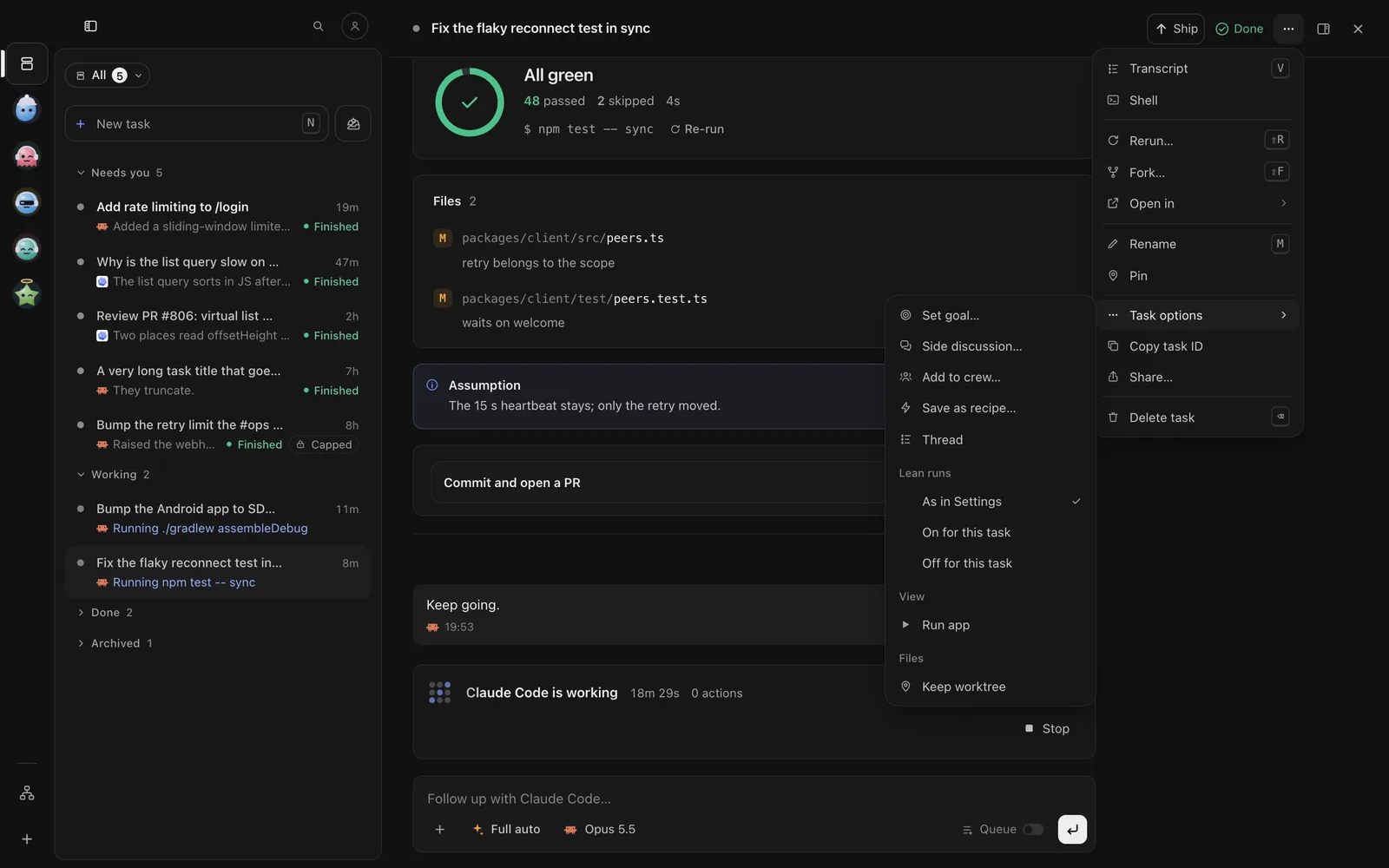
/goal all tests passin its reply box, or open ⋯ at the top right of the task, then Task options › Set goal…. - The Goal band at the top of the task shows the round, each judge’s vote and why.
In the browser (wisp --browser, or your cloud wisp) it’s the same window, menus and keys.
- A new task: tap New task, write
/goal all tests pass, and send. - A running task: open it, type
/goal all tests passin the reply bar, or tap the options chip in the reply bar and choose Goal. - ⋯ (iPhone) or ⋮ (Android) in the task’s top bar → This task › Set goal… works too.
Run wisp tui, open the task (Enter), press i to write, and send /goal set --text "all tests pass".
The goal shows in the task’s header, in its colour: working, checking, met or stopped.
wisp goal set <id> "all tests pass"wisp goal set <id> "all tests pass" --kick # judge it now if the task isn't running<id> is the task’s id (wisp ls lists them). An empty goal clears it.
Pick the judges
By default the task’s own agent checks its work. For a second opinion, add judges: other harnesses, other models, or crew members. A judge on a different harness doesn’t share the agent’s blind spots.
How their votes count:
- Majority: most judges agree.
- All: every judge agrees.
- Any: one is enough.
On New task, Judges sits at the end of the Done when line. On a running task, open ⋯ → Task options › Goal checks…, then Judges → Add judge, and pick how they vote. Your choice is kept for your next goals.
Open the task, then ⋯ / ⋮ → This task › Goal checks… → Judges → Add judge, and pick how they vote.
With the task open, press i and send:
/goal set --text "all tests pass" --judges codex,claude/opus/high --vote allAny wisp command works this way in the TUI’s reply box; the open task is the one it acts on.
wisp goal set <id> "all tests pass" --judges codex,claude/opus/high --vote allA judge is a harness (codex), a harness with its model and effort (claude/opus/high), or a crew member by name.
--judges "" means no judges: wisp’s own quick check decides.
In a formula, goals.default holds every goal’s judges, vote and round limit (see below).
Declare goals by name
Write a goal once and use it by name: from a task in a formula, from the command line, from your agent, or from the
app. goals.default is what every goal takes when it doesn’t say (its judges, how they vote, its round limit); a
goal’s own fields win.
agents: reviewer: { harness: codex, effort: high, mode: plan } # judges are agents by name, or harnessesgoals: default: { judges: [reviewer], vote: majority, maxRounds: 6 } # every goal's defaults green-build: { text: "npm test passes and the build is green", judges: [reviewer, codex] } docs-clean: { text: "the docs build with no broken links" }tasks: fix-build: { prompt: Make the build pass, goal: green-build } # a goal by name tidy: { prompt: Tidy up the code, goal: { text: "the linter is quiet" } } # or inlinewisp validate names a goal that isn’t declared (tasks.fix-build: no goal named green-buld: goals has docs-clean, green-build), before anything runs. default is never a goal of its own, and has no text. A task gets the goal as
it is declared when the task starts.
On New task, open + → Goal…: the declared goals are listed by name, each with what done means, then New goal… to write your own. A declared goal fills the Done when line and the chip says its name (Goal: green-build); change the words and it’s your own goal instead. In a task’s reply box, + → Goal… sets one on the task the same way.
In the browser (wisp --browser, or your cloud wisp) it’s the same window, menus and keys.
Tap New task, then + → Goal… and pick a declared goal by name, or New goal…. In a task, the reply bar’s + → Goal… does the same.
Start a task with a declared goal by sending wisp "Make the build pass" --goal green-build from any reply box
(i). On the open task, send /goal set green-build: a declared goal’s name is that goal.
wisp "Make the build pass" --goal green-build # a declared goal, by namewisp "Fix the flaky test" --goal-text "the test passes 50 times in a row" # or in wordswisp goal set <id> green-build # on a task already startedwisp goal declared # the goals declared here--goal with a name no goal has is refused, and says which goals there are.
While it runs
The task’s Goal band has Pause goal, Resume goal, Edit goal… and Drop goal. Why shows what each judge said.
Tap the Goal band at the top of the task for Pause goal, Resume goal, Edit goal… and Drop goal.
With the task open, send /goal pause, /goal resume, /goal check or /goal drop. Ctrl-K finds any of
them by name.
wisp goal check <id> # judge now, on the last answerwisp goal pause <id>wisp goal resume <id>wisp goal drop <id>When the goal runs out of rounds without being met, the task stops and asks you what to do. A judge can also say the goal can’t be done, with why, so you don’t burn rounds on it.
Act on the result
goal.met and goal.failed are events. A trigger can act on them: ship the pull
request when the goal is met, or tell a crew member when it isn’t.
From your own agent
Your harness can set goals too, through wisp’s MCP tools (see MCP from your harness).
Ask it: “start a wisp task to fix the flaky test, with the goal the test passes 50 times in a row”, or “… with the
goal green-build”: wisp_launch’s goal takes a declared goal’s name or words.