
Machines, the Grid and wisp Cloud
Every computer that runs wisp is a machine. Your wisp can start tasks on the others, and all their tasks show in one list. A desktop at home keeps working while your laptop sleeps.
| How | When |
|---|---|
| SSH | A computer you can already ssh to. wisp installs itself there. |
| A wisp Grid | Each computer signs in to the same grid, which connects them. No SSH, no open ports. |
| wisp Cloud | The grid at grid.trywisp.dev: sign in and you also get a cloud computer. |
Add a computer over SSH
Turn on SSH on the other computer (on a Mac: System Settings → General → Sharing → Remote Login; on Linux:
openssh-server).
Click the person button in the top bar → Machines (or ⌘K → Settings → Computers → Machines). Type
its SSH address (you@studio.local, or a Host from ~/.ssh/config), give it a Name, then Add and
connect. The first time, type your password for that computer once; wisp sets up a key so it won’t ask again.
In the browser (wisp --browser, or your cloud wisp) it’s the same window, menus and keys.
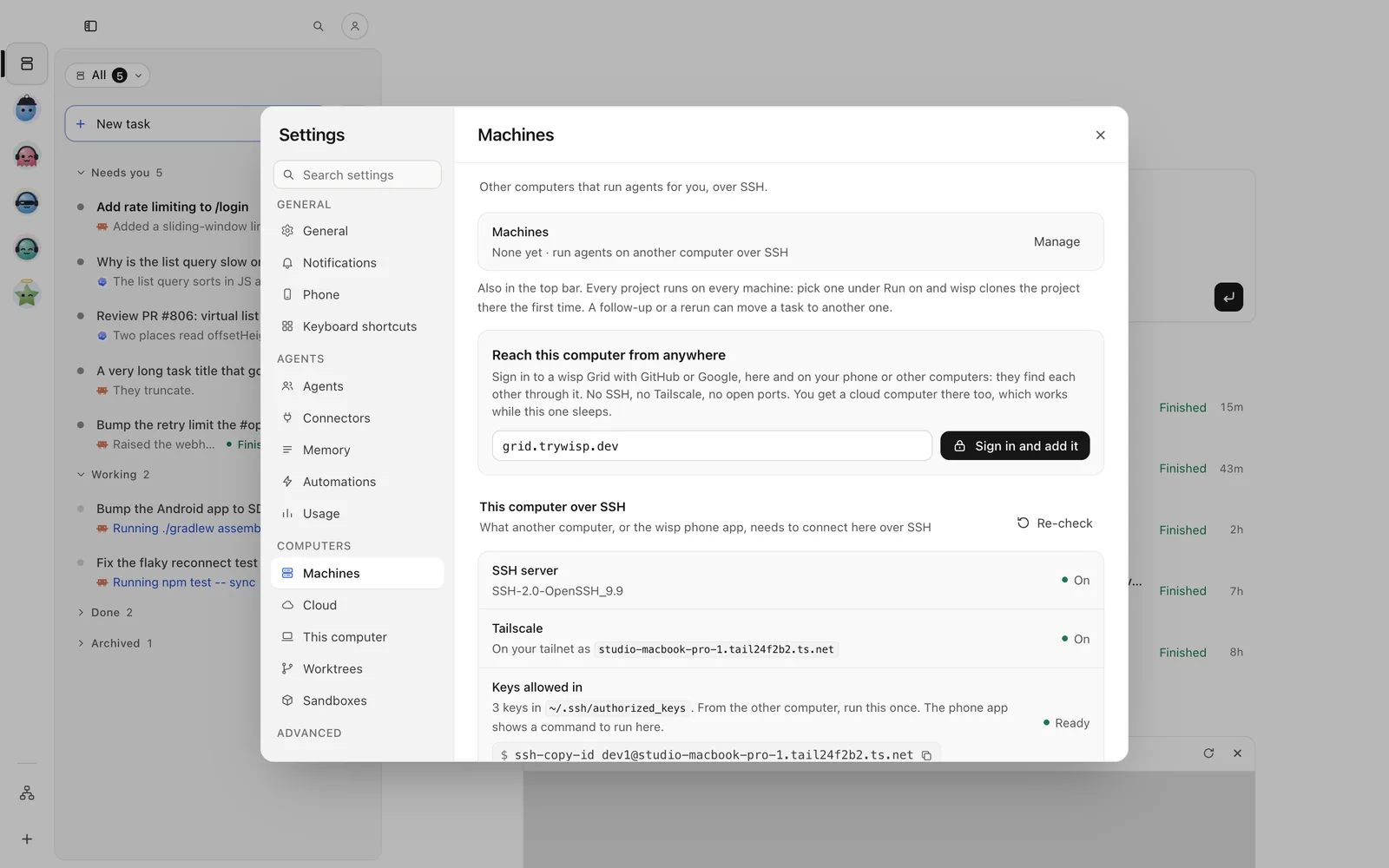
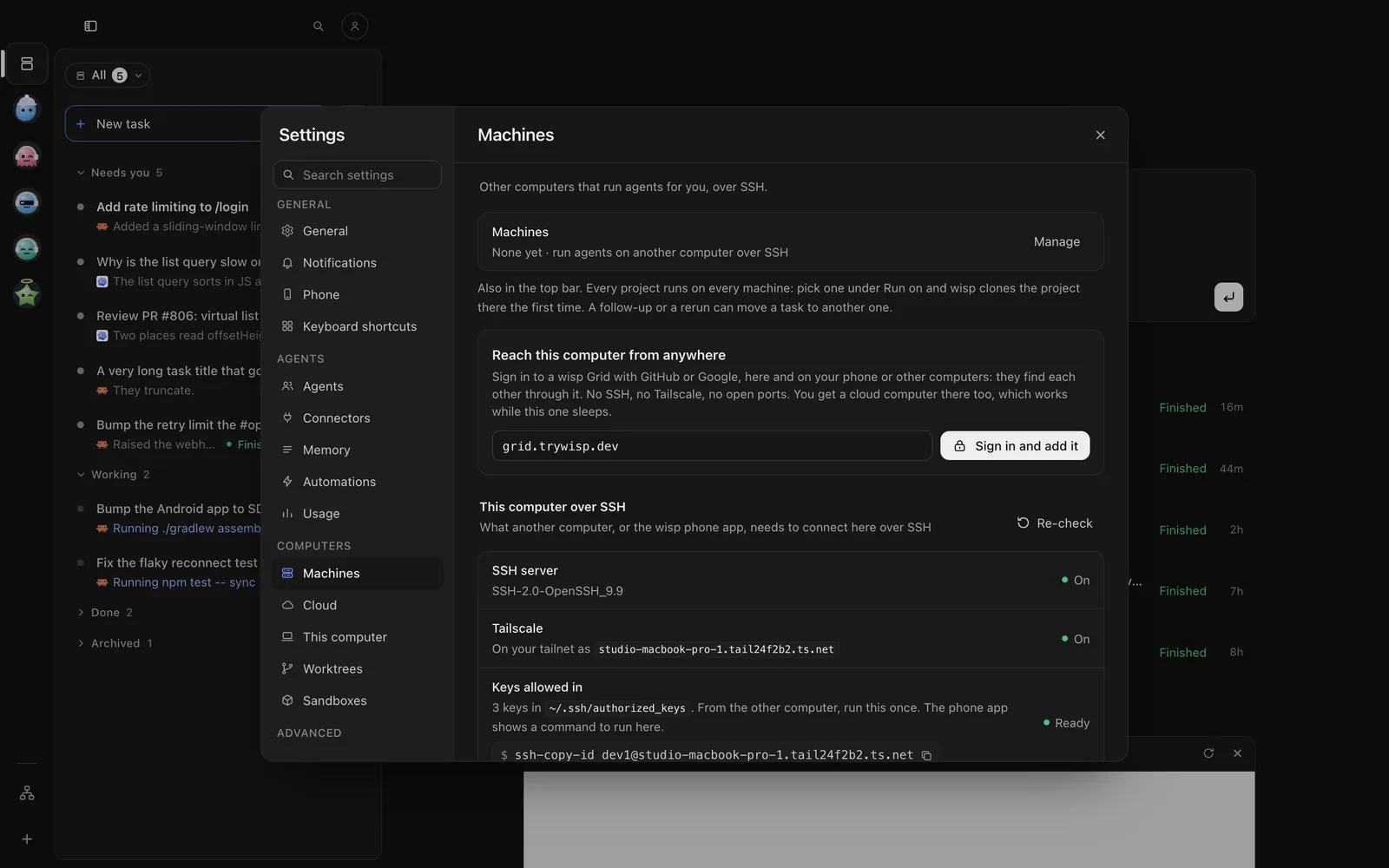
Open the Computers tab and add a computer over SSH: its SSH address, a Name, then Add and connect. The first time, type your password for that computer once.
Press g then m for the machines view: c connects the selected one, x disconnects it. To add one:
/machines add --name studio --transport ssh --address you@studio.localwisp machines hosts # the hosts in ~/.ssh/configwisp machines add --name studio --transport ssh --address you@studio.localwisp machines list # your machines and how each is doingOr declare it:
machines: studio: { transport: ssh, address: you@studio.local }Not on the same network? Install Tailscale on both computers and use the name it gives.
Add a computer through the Grid
Sign in to the same grid on each computer. They find each other through it.
⌘K → Settings → Computers → Cloud → Sign in to a wisp Grid, with GitHub or Google. Then This computer on the grid turns this computer on, so your other wisps and your phone reach it.
Open the Computers tab and sign in to wisp Cloud (or your own grid) with GitHub or Google. Every computer on that grid shows there. To put a computer on the grid, sign in from that computer (Desktop app tab).
/grid-client signin --add-computer/grid-client statuswisp cloud signin # wisp Cloud; or: wisp cloud signin https://grid.example.comwisp computer on # this computer on the gridwisp computer statusRun there
In New task’s footer, click This computer and pick the machine. On a running task, Runs on by the reply box moves the task, its branch and its history to another computer.
In New task, tap This computer and pick the machine.
Start the TUI on that machine: wisp tui --on studio. Its list is that machine’s tasks.
wisp "run the full test suite" --on studiowisp ls --on studio # any command takes --on <machine>To keep work on one machine: machine: studio on a crew member, on: studio on a workflow step. A delegate can run
on another computer than its lead, on a copy of the lead’s work; its changes come back when it finishes.
wisp Cloud
Sign in at grid.trywisp.dev and you get your own wisp on a server, with Claude Code, Codex and Cursor installed. It works while your computers sleep. Use it in the browser, from the phone app, or as one more machine in your app. It sleeps when nothing is going on and wakes when you open it.
wisp cloud statuswisp cloud accounts # each grid account signed in to herewisp cloud switch <account>Sandboxes
A sandbox is a box of its own on your grid, for one piece of work. The agent can install, run and break anything there, never on your computer. It’s deleted with its task.
In New task’s footer, click This computer and pick Sandbox, or start the prompt with /sandbox. ⌘K →
Settings → Computers → Sandboxes signs Claude in once for every sandbox, sets the Env vars they all get,
and lists Your sandboxes.
In New task, tap This computer and pick Sandbox, or start the prompt with /sandbox. Person button at the
top of Tasks → Settings → Computers → Sandboxes lists Your sandboxes.
/sandbox launch --prompt "try the migration on a copy of the database" --cwd /path/to/projectwisp sandbox launch --prompt "try the migration" --cwd . # a task in a sandbox of its ownwisp sandbox info # your sandboxes, their owners, what they start withSandboxes run on your own subscriptions. A delegate, a crew member’s jobs and a goal’s judges can work in one too.
Run your own Grid
A Grid is wisp for many people on your server. Try one on your computer, then run it for real:
wisp grid dev # a grid here, for trying it outwisp grid serve --data /srv/grid # a real grid, from /srv/grid/grid.json, behind a reverse proxyA real grid signs people in with GitHub, Google or OIDC, and runs each person’s box as a container. People then sign
in with wisp cloud signin https://grid.example.com.