
Track your agents' work beside your code
When agents write most of a codebase, git log tells you what changed, but not what was asked, what the agent
was thinking or what it tried first. wisp keeps that next to the code: each task that built the repo is a file in
.wisp/tasks/, linked to its commits, for everyone who clones the repo.
1. Turn it on
cd your-repowisp init # .wisp/ with history tracked in "ask" mode, and a note in AGENTS.mdgit add .wisp AGENTS.md && git commit -m "chore: track agent work"wisp: 1history: { track: ask, inject: true }track: askoffers to save each task you ship or mark done;autosaves them all;manualonly what you save yourself.inject: truestarts each new task with the past tasks on the files its prompt names.
2. Save tasks
Saving writes the task’s spec, its report and its transcript into .wisp/tasks/ and .wisp/history/, for you to
commit with the code, or in the same PR. Everything is scrubbed first: keys, tokens, .env values and private paths
never reach the repo.
On a task wisp offers to save, press Save to repo. Any other task: ⋯ at its top right.
In the browser (wisp --browser, or your cloud wisp) it’s the same window, menus and keys.
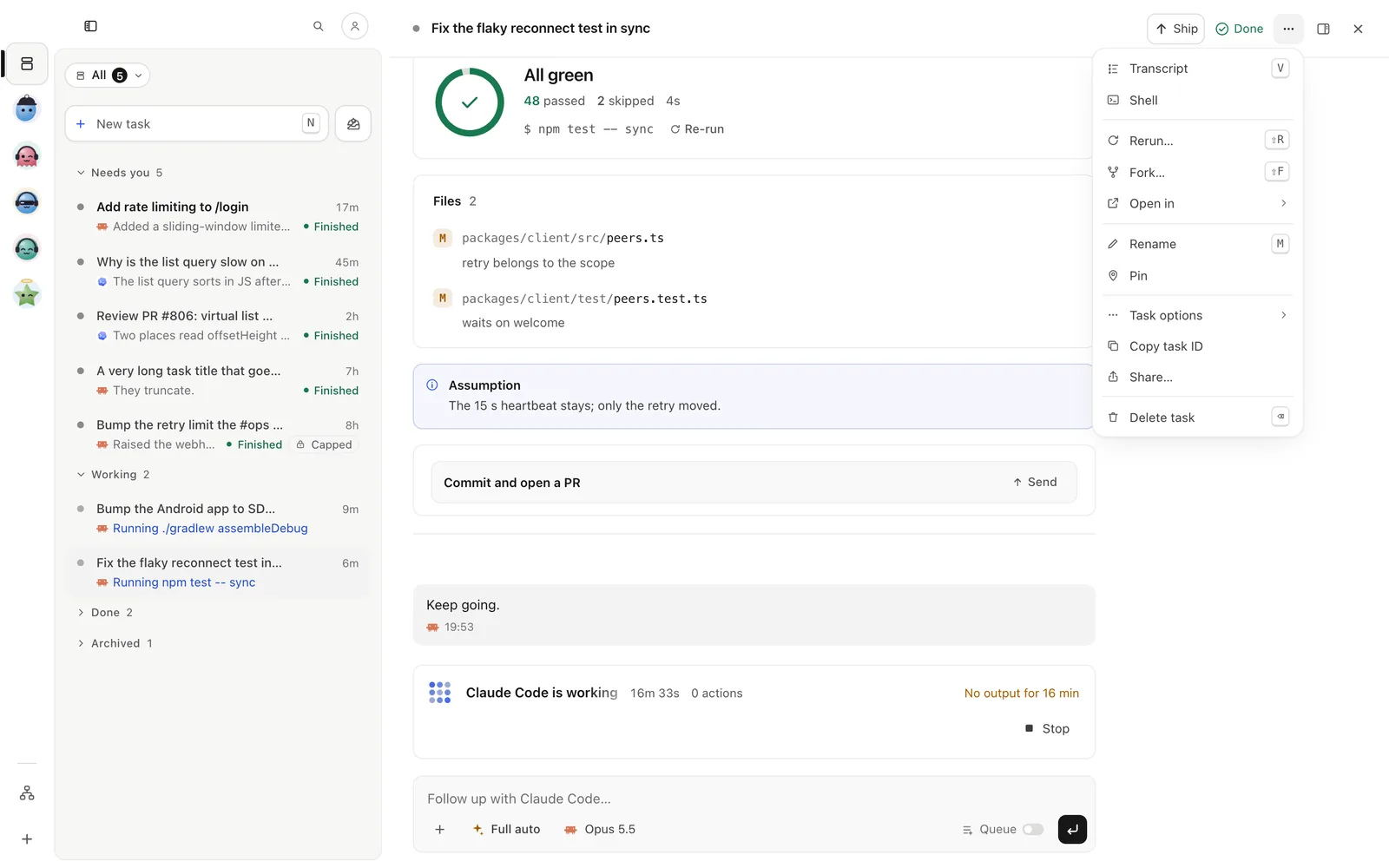
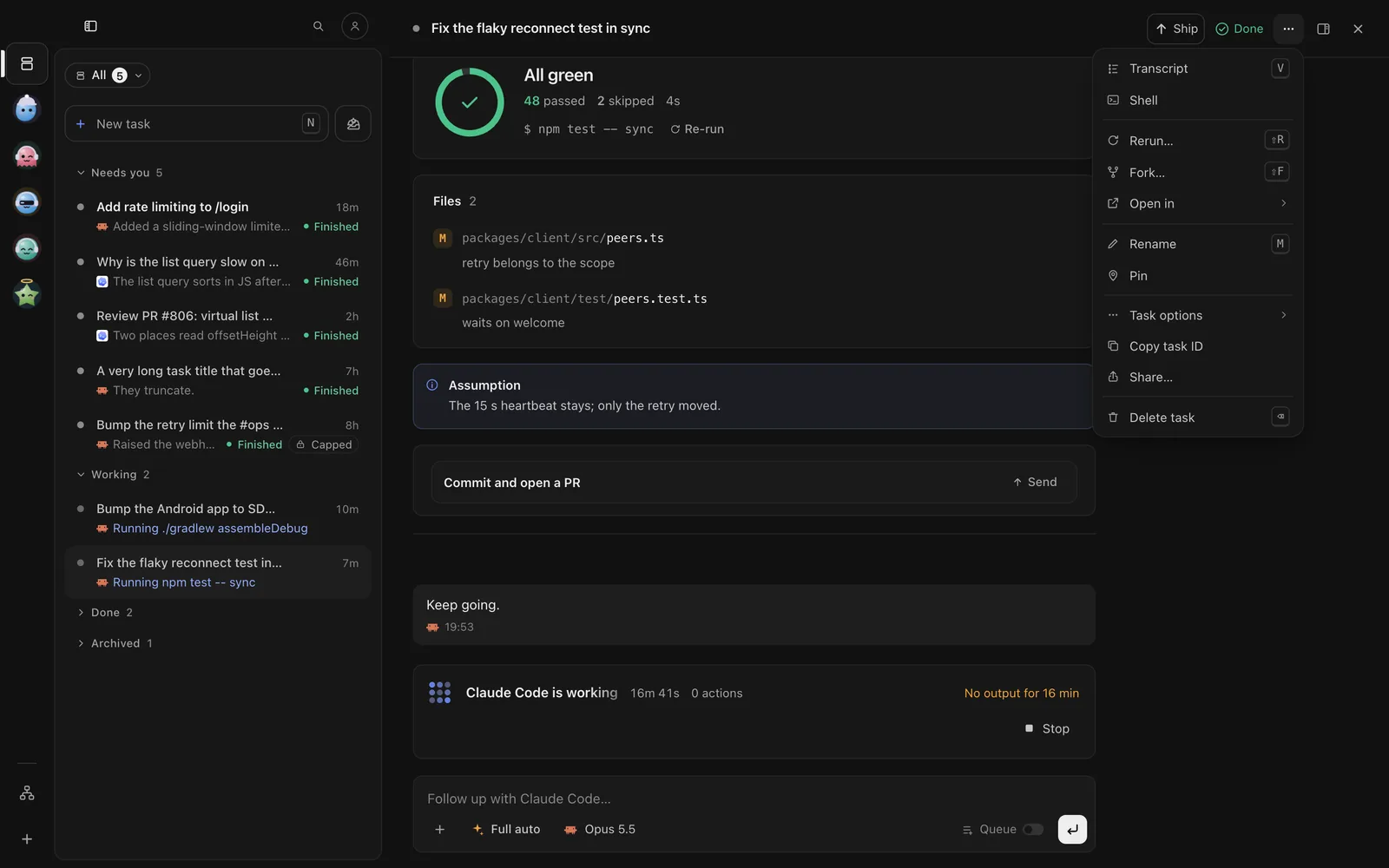
On a task wisp offers to save, tap Save to repo. Any other task: ⋯ (iPhone) or ⋮ (Android) in its top bar.
With the task open, send:
/history track --level fullwisp track <id> # --level spec|report|full (full is the default)wisp untrack <id> # take it out againOld work too: a task from before the folder existed can be saved the same way.
3. Link commits to tasks
Ship it already adds Wisp-Task: <id> to each commit it makes. For the commits an agent makes itself:
wisp hook install # a git hook: commits made in a task's run get the trailerwisp hook status4. Bring in work done outside wisp
Ran Claude Code or Codex in a terminal? Bring those sessions in as tasks:
wisp adopt --all --since 7d --track # the last week's sessions in this repo, savedwisp skill install --agent claude # from now on, Claude Code hands each session to wisp when it endshistory: { adopt: ask | auto | off } says what happens to a session that ends.
5. Use the history
⌘K → Repo. Repo history lists the tracked tasks of the project, newest first. Filter by words, a path
(src/auth/) or an agent. Open one to read what was asked and what happened; Resume starts a new task that
carries on from there, on today’s code.
Type Repo in the search field at the top of Tasks and tap Repo. Repo history lists the tracked tasks,
newest first. Open one to read what was asked and what happened; Resume starts a new task from there.
Press g then h for Repo history. To find the task behind a line:
/history blame --target src/auth/login.ts:42 --repo /path/to/repowisp log # every tracked task, newest firstwisp log src/auth # the tasks that touched a pathwisp blame src/auth/login.ts:42 # the task behind that line: what was asked, its summary, its PRwisp tasks --touching src/auth # the same, for scripts and agents (--json)wisp resume <id> # a new task that carries on from there, on today's codewisp rerun <id> # the same ask, from the commit it started onYour agents read it too: the note wisp init puts in AGENTS.md tells them to look up the tasks behind a file
before they change it.
Why it’s safe to commit
- No merge conflicts: one file per task, named by its id.
- Small: specs and reports are short text; transcripts are compressed.
- Reviewable: a PR shows which tasks wrote it, and anyone can read what was asked.